

Stay focused
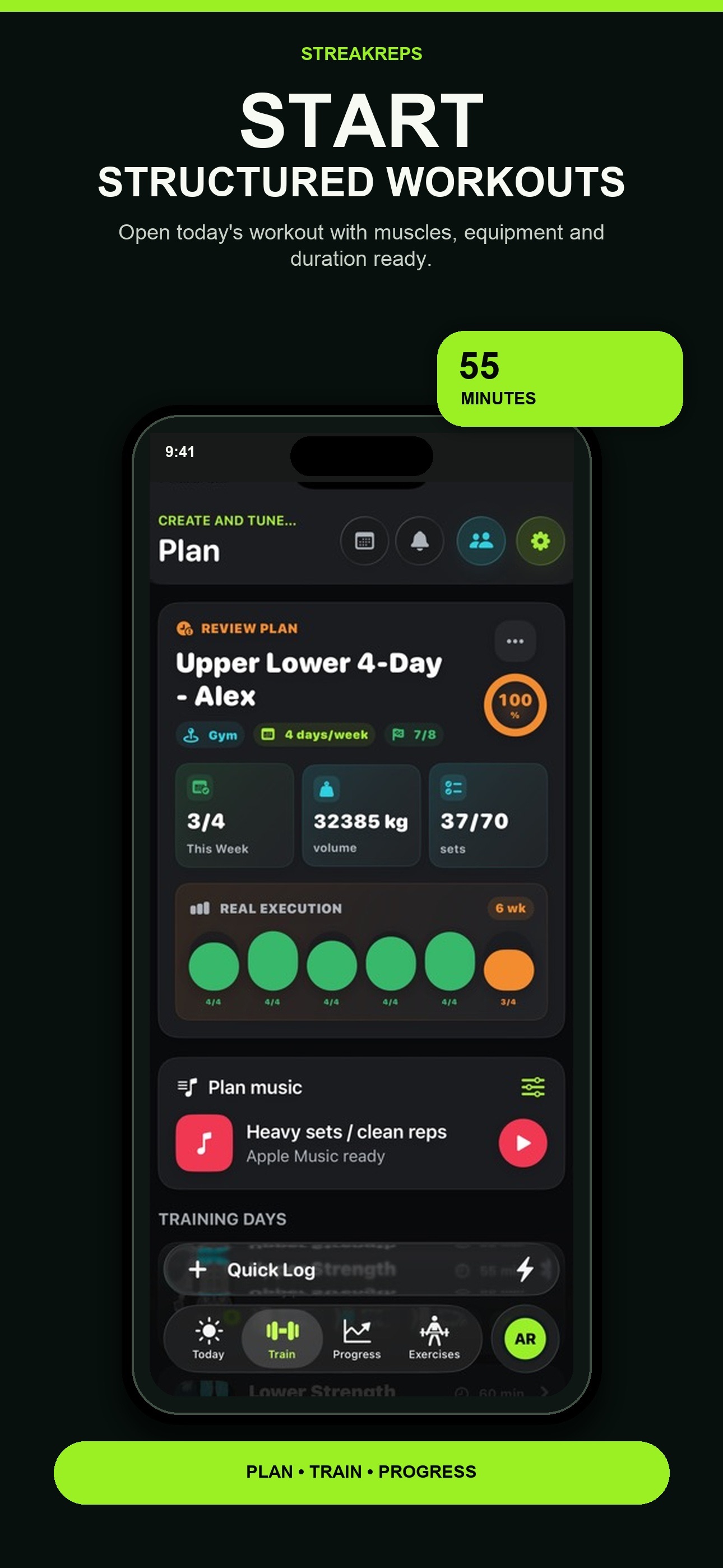
Log weight, reps, RPE and rest from one workout view.
Workout tracking for consistent strength progress.
StreakReps turns training into a clear system: structured plans, fast logging, progression, recovery, GPS routes and strength analytics connected to the Apple ecosystem.
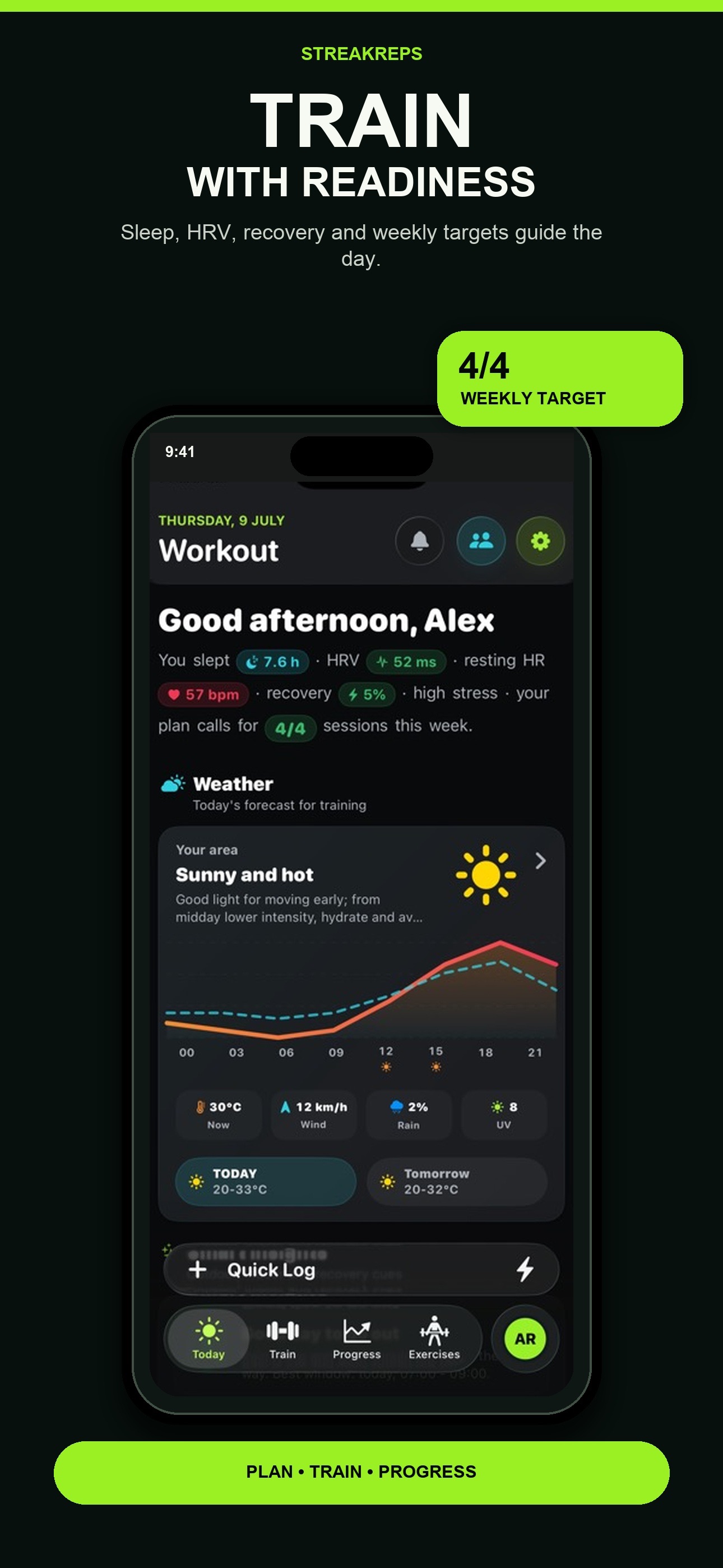
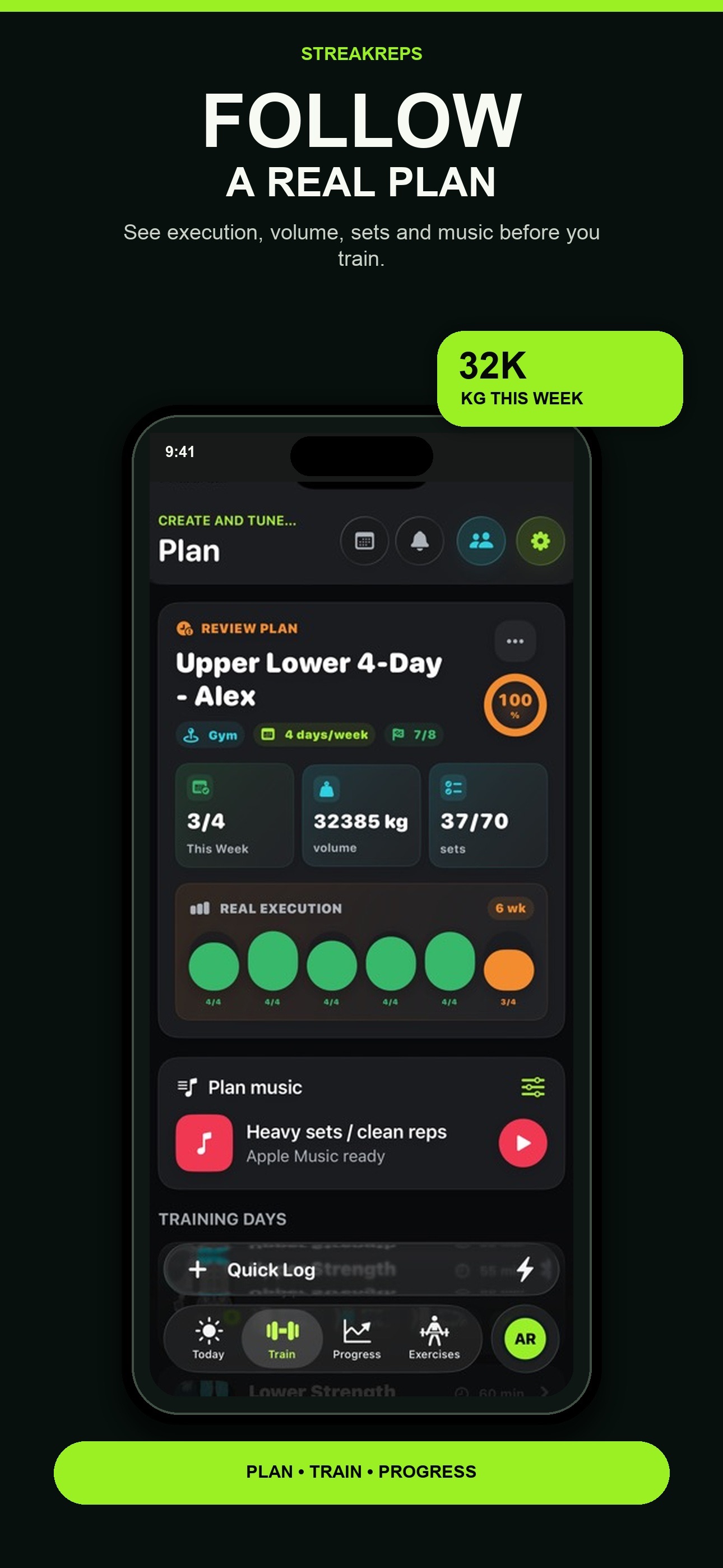
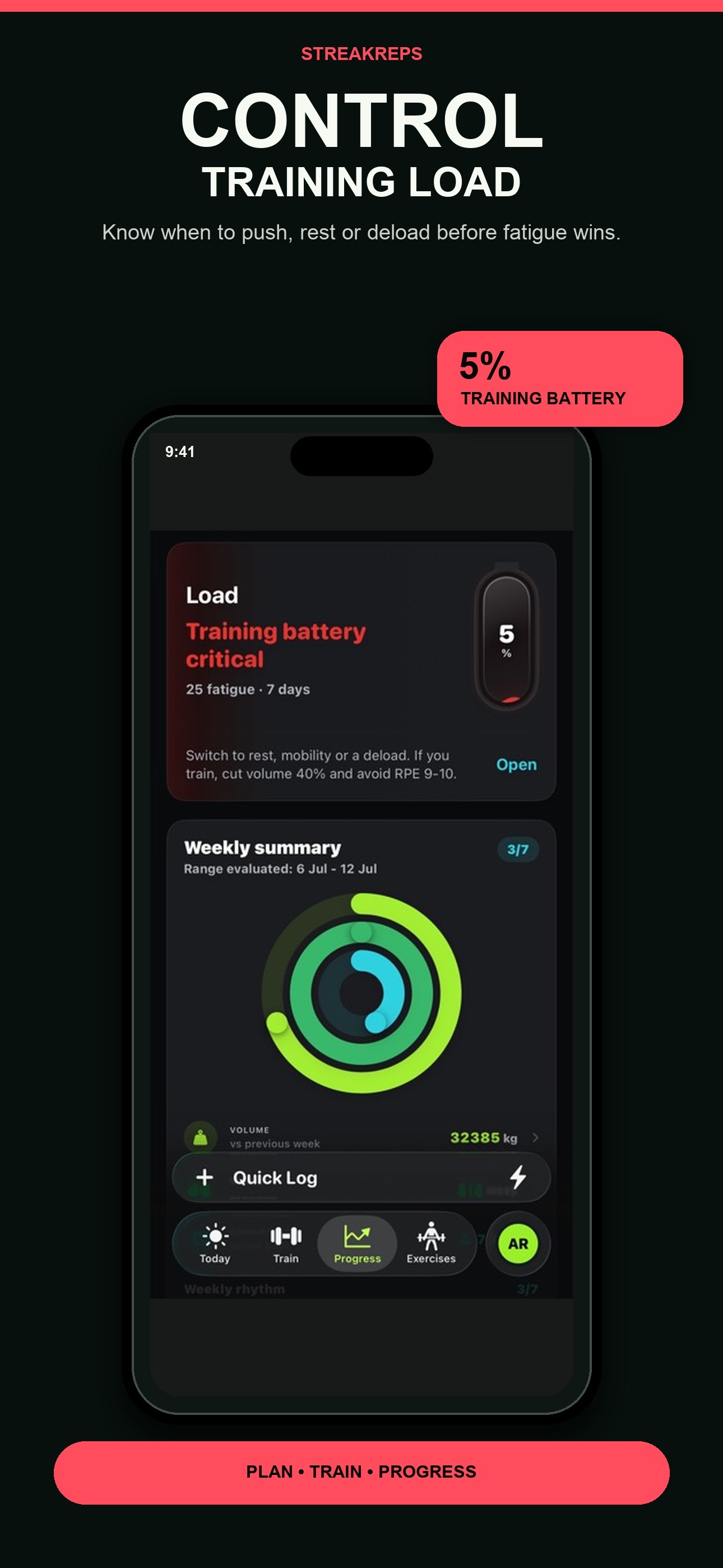
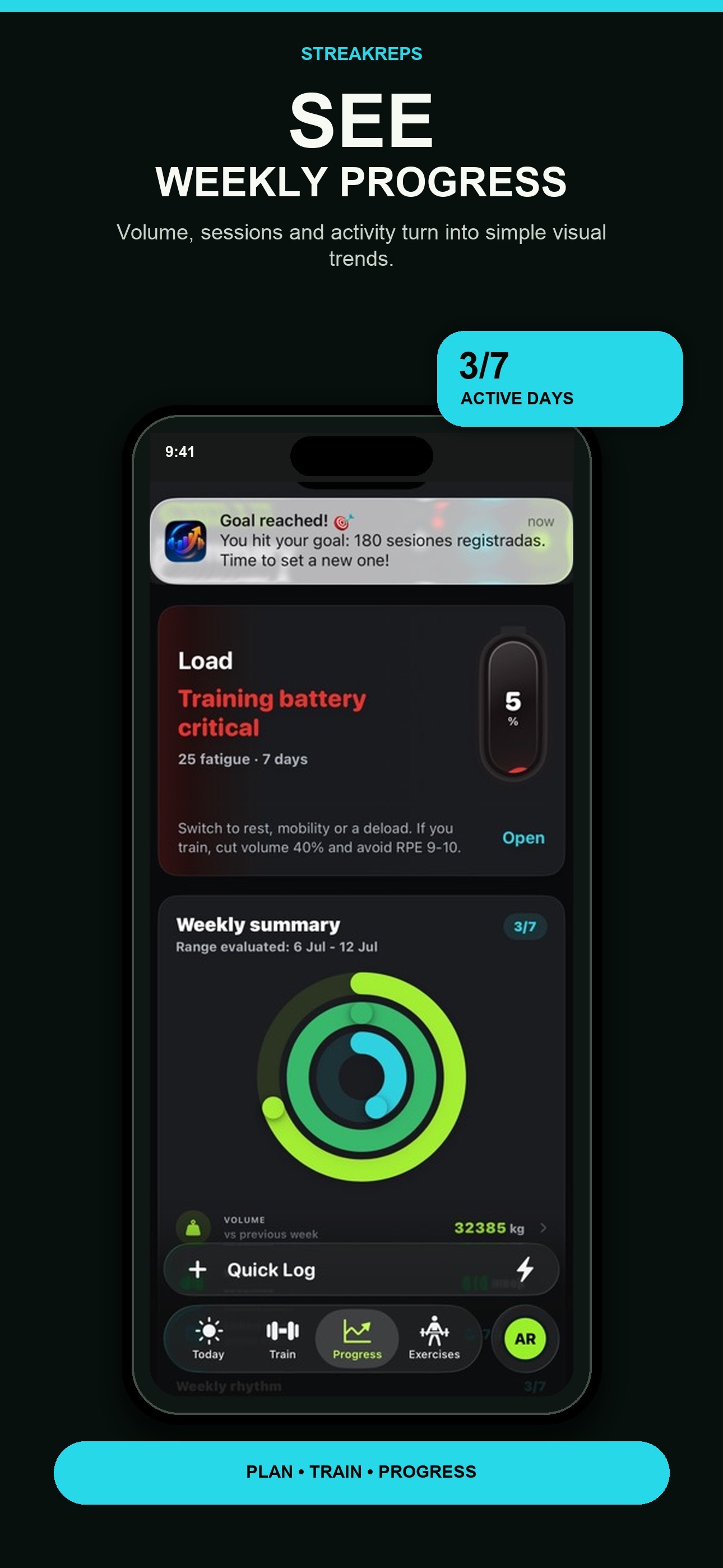
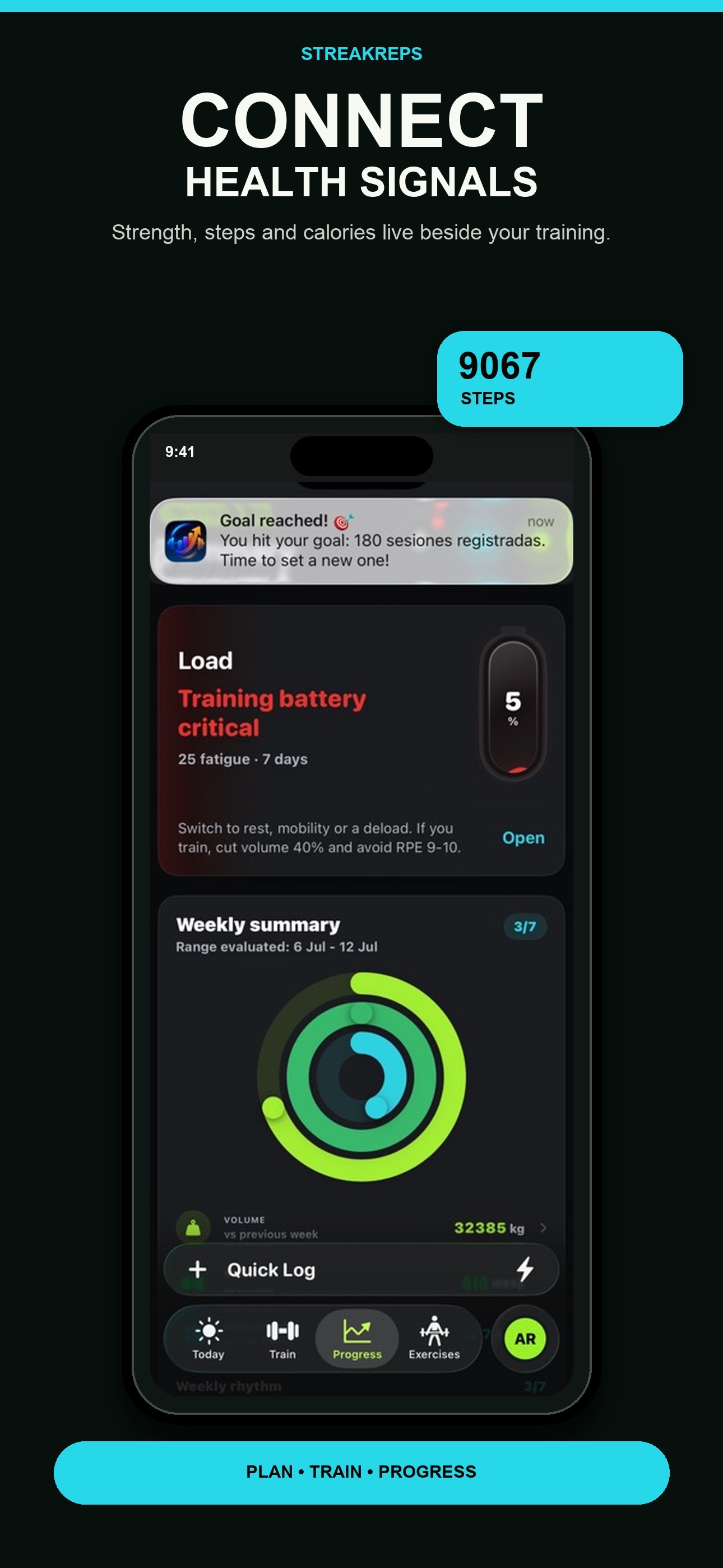
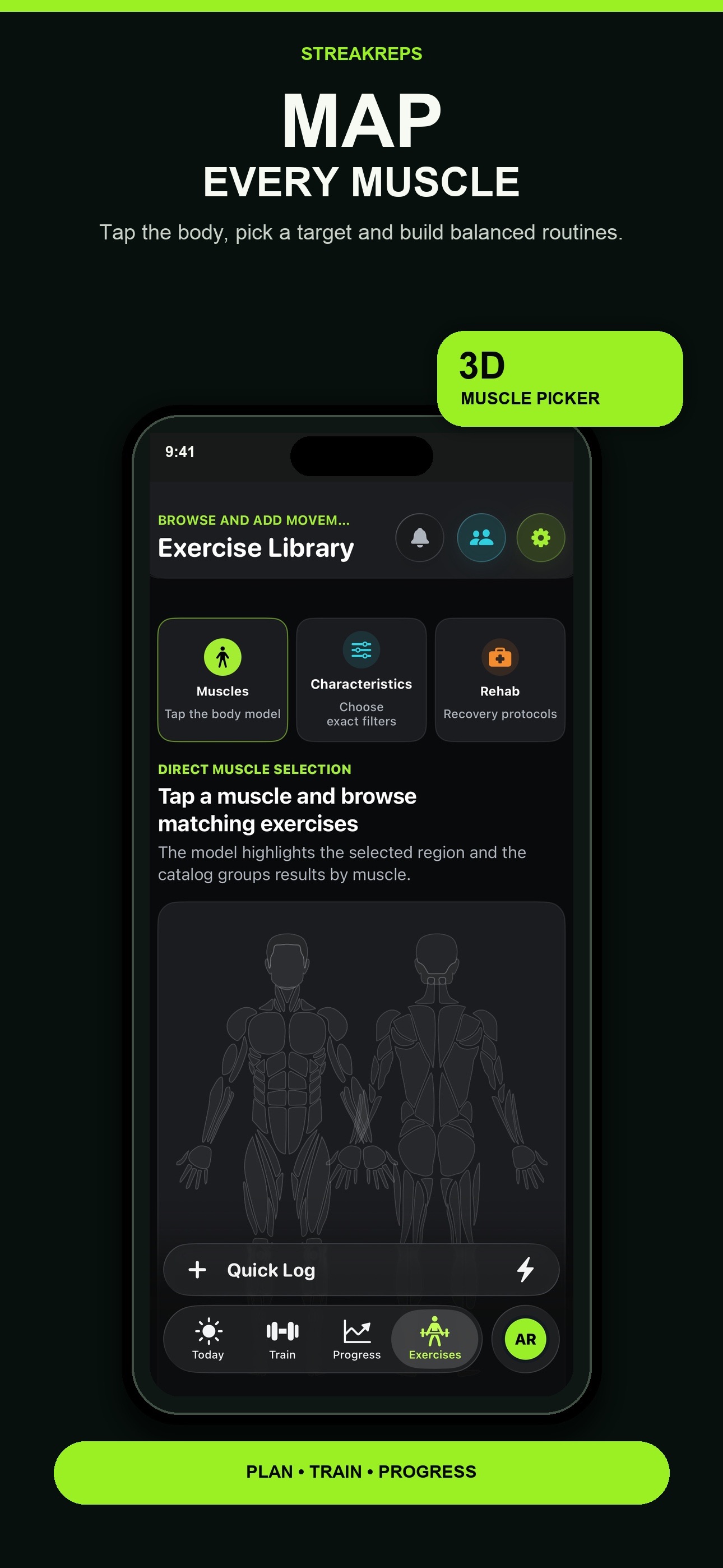
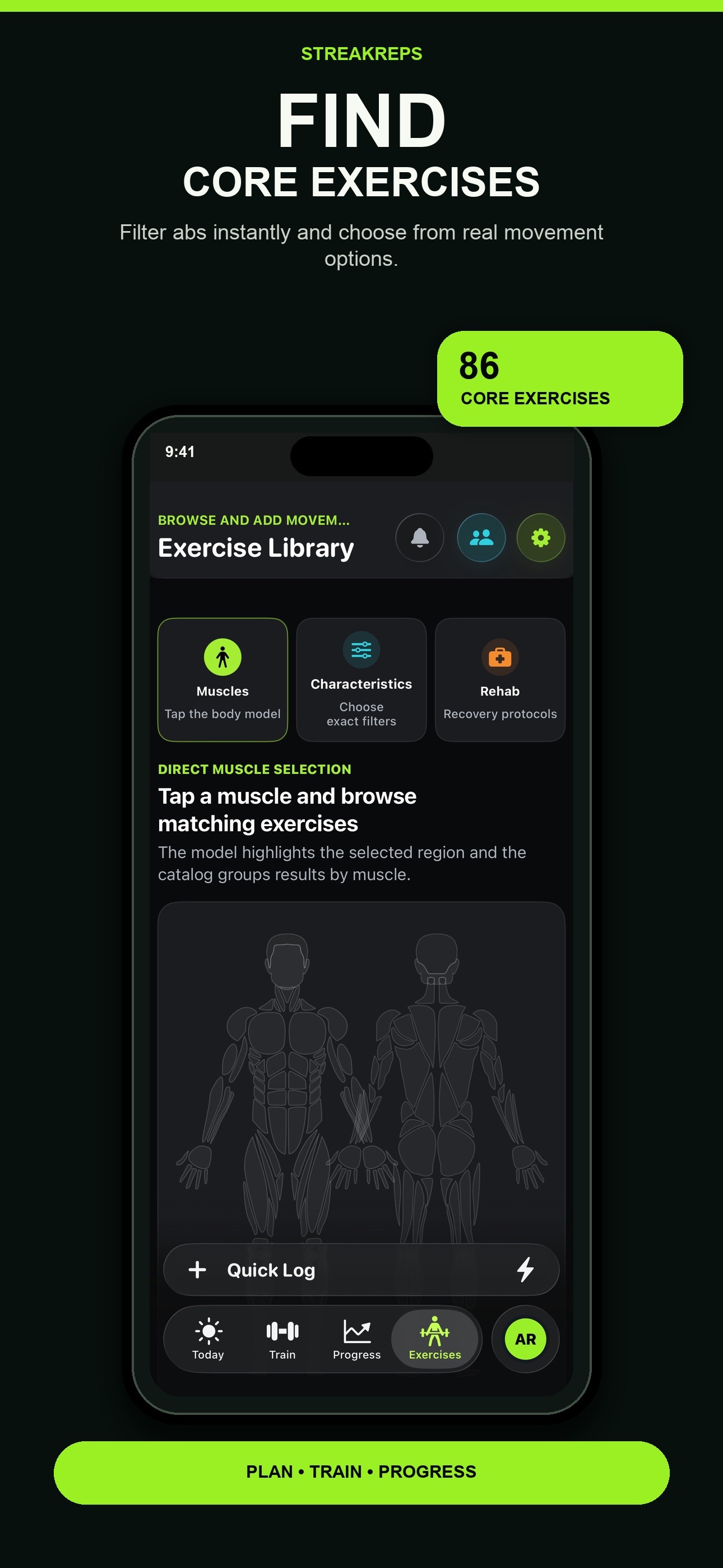
Icons, images, and video come from the product record and update with its catalog entry.
Log weight, reps, RPE and rest from one workout view.
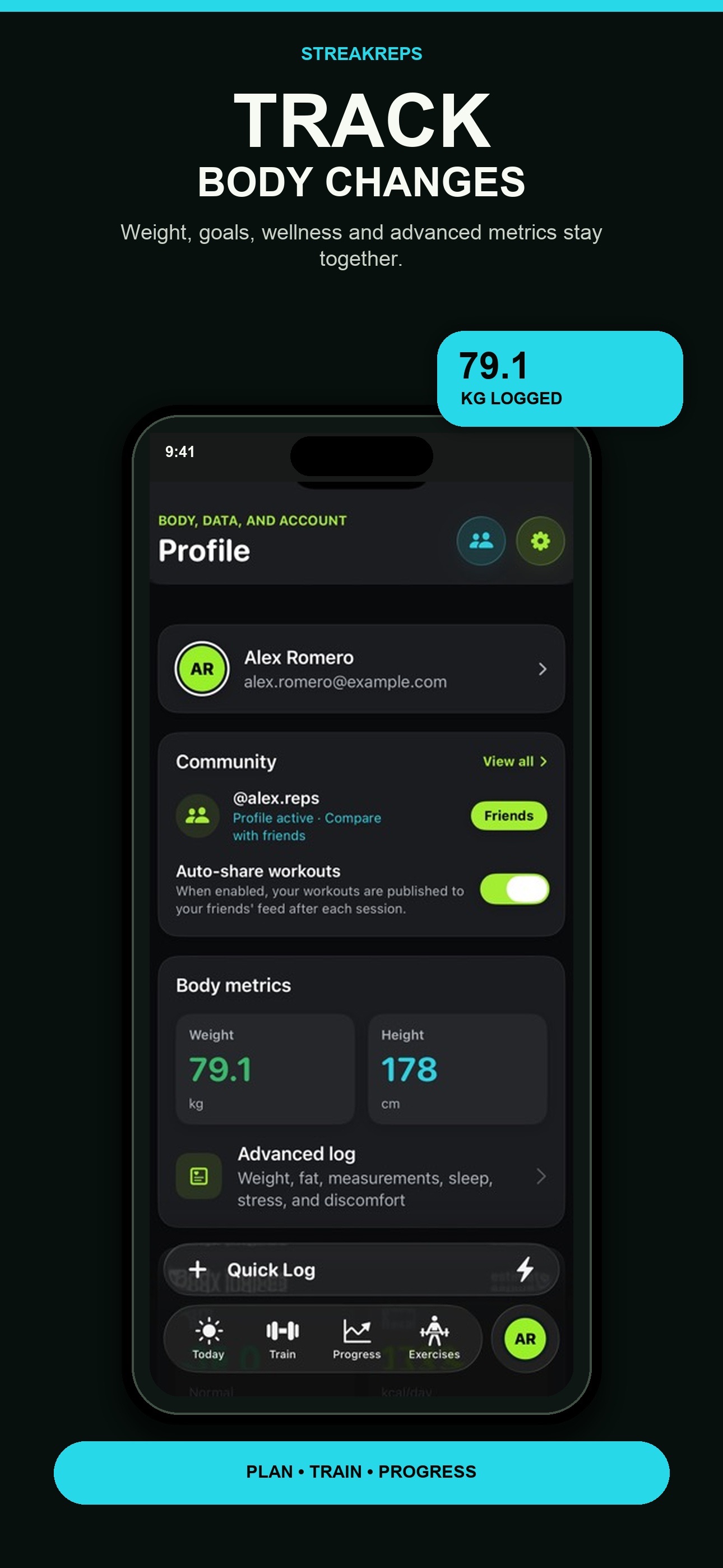
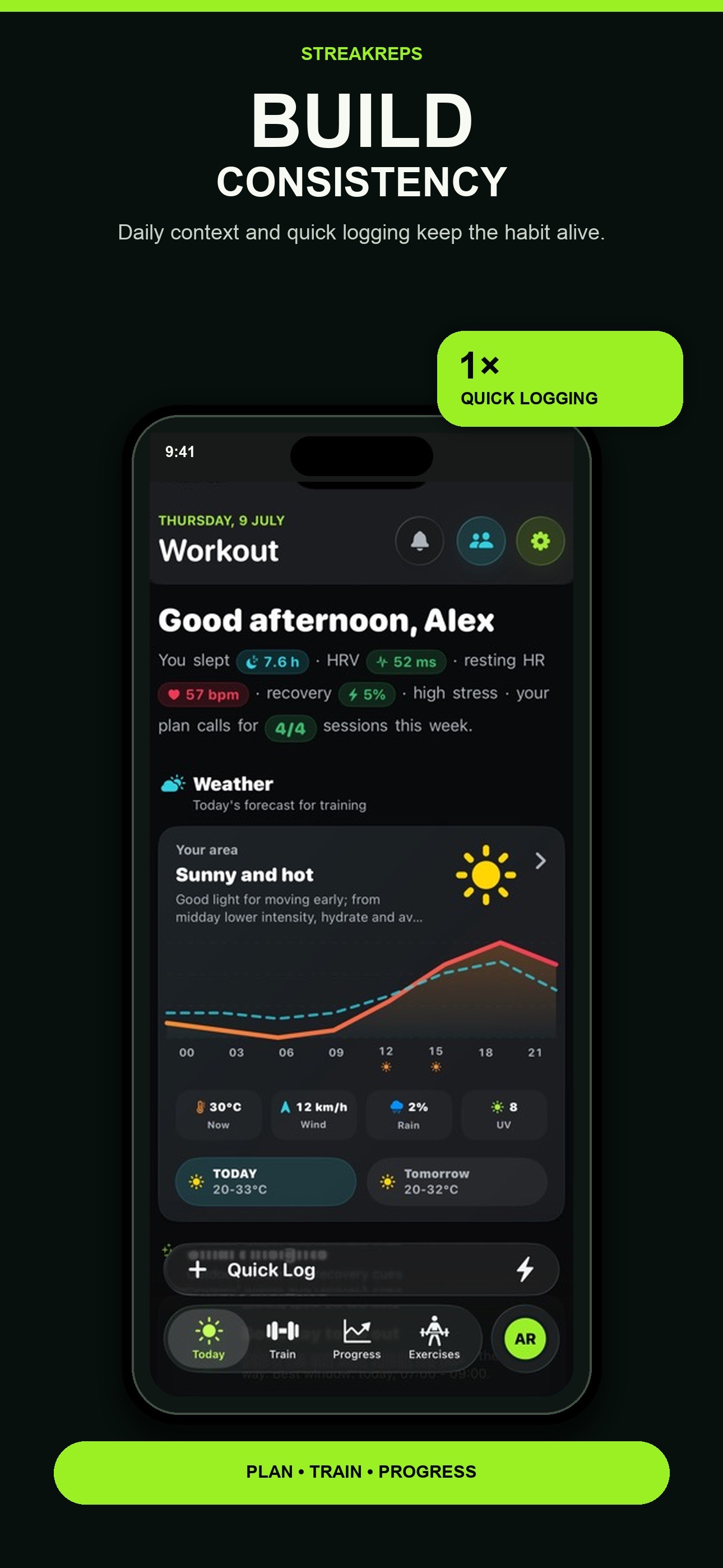
Bring load, sleep, HRV, resting heart rate and recovery together.
Follow PRs, estimated 1RM, volume, streaks and muscle balance.
HealthKit, Apple Watch, widgets, Live Activities, Siri and App Intents.
v1.1.5 · Gratis
iOS 26.0+ · 2 idiomas
View official page on AppleFollow the core workflows, read product notes, and check current limits and plan details for StreakReps.
Use a plan or routine as your starting point and log the work you complete.
Open the plan or routine you want to follow and start the session. You can also log a free workout when you do not have a routine ready.
Enter the weight and reps. Mark warm-up sets when appropriate and add RPE or notes to keep the context.
Use the rest timer and move to the next set when you are ready.
Save the session and review its summary before checking trends, records, and volume.
Combine exercises, sets, and goals to organize upcoming workouts.
Open the plan library and create a new plan or routine.
Find exercises in the library and arrange them in the order you want to follow.
Set the number of sets and targets for reps, weight, or duration according to the exercise type.
Save the routine and adjust the plan when your goals or schedule change.
View your workout and log a session from your wrist once your watch is set up.
Keep Apple Watch paired with iPhone and open StreakReps on both devices.
On the watch, select an available workout and start when you are ready.
Use the watch controls to follow the session and log supported sets.
When you finish, check on iPhone that the session and its data have synced.
Enable route tracking only when you want to record location during an outdoor workout.
Choose an outdoor workout; indoor sessions do not need a GPS route.
Allow location access if you want to save a route, and check that the system has a signal.
Start the session and keep the device with you to collect available data.
Finish the workout and review distance, pace, and route; accuracy depends on signal and permissions.
Choose which Apple Health categories StreakReps can read or write, and create a manual copy when needed.
In Health, open StreakReps data access and enable only the categories you want to share. You can revoke access there.
In StreakReps, find backup or export options in the app settings.
Use JSON for a structured app backup or CSV for the records provided by the tabular export.
Review the contents and destination before sharing: an export may contain personal or workout data.
Imported workout detail depends on the app or device that recorded it. It may include type and duration but omit exercises, weight, or sets; do not fill in details from memory unless you are sure.
StreakReps accesses the Apple Health categories you authorize. Review or revoke access in Health settings; features that depend on a category may show less information when it is unavailable.
Automatic backup keeps a selected operational subset such as plans, routines, exercises, preferences, and workout logs. It excludes health metrics, routes, photos, and HealthKit-derived data. A manual JSON/CSV export may contain more information.
Estimated 1RM, recovery, and other metrics use the data available and may vary when logs or permissions are missing. They are training references, not medical assessments or clinical recommendations.
StreakReps Pro may offer weekly, monthly, annual, and lifetime plans. Localized prices, promotions, availability, and trial eligibility vary by country, product, and account; confirm the details Apple shows before purchasing.
Apple Health and other apps may share only a workout summary, without exercises or set-by-set strength data. History and analytics reflect only information that was logged or imported.
Calculations depend on the quality, consistency, and recency of your workouts and health data. An incomplete estimate may not reflect how you feel or your actual capacity that day.
GPS tracking requires location permission and may lose accuracy indoors, in tunnels, under cover, or with a weak signal. StreakReps is not an emergency service and does not guarantee safety tracking.
The iCloud backup does not include health metrics, GPS routes, progress photos, or HealthKit-derived data. Create and store a manual export to retain more information, and protect it like any personal file.
Apple Watch, HealthKit, location, widgets, and Live Activities depend on compatible devices, system versions, connectivity, and permissions. If a requirement is unavailable, core workout logging may still be available on iPhone.
Compare StreakReps Free with StreakReps Pro. Apple's purchase sheet shows the current features and terms for each plan.
| Capability | StreakReps FreeFor getting started | StreakReps ProFor going further |
|---|---|---|
| Workout logging | Included Log sets, reps, and loads without limits to build consistent training. | Included Keep a richer history for analysing longer training blocks. |
| Exercise library | Included Start from an exercise library and adapt every movement to your session. | Included Organise variants and references so the library supports your progression. |
| Custom routines | Included Build custom routines and repeat them with a clear structure. | Included Configure more precise progressions and rules for different goals. |
| Progress analytics | Limited Includes basic analytics for the essential view of training progress. | Included Unlock advanced volume, consistency, recovery, and progression analytics. |
| Apple Watch and backups | Limited The free experience keeps the core log on the device. | Included Add advanced Apple Watch integration, automatic backups, and share cards. |
Purchases and renewals are securely managed by Apple. Final prices are always those shown by the App Store in your territory.
Check the current price and terms in Apple's purchase sheet.
Check App Store for the price and terms before confirming.
Check the current price and terms in Apple's purchase sheet.
Check App Store for the price and terms before confirming.
Check the price, renewal, and any offer before confirming.
Check App Store for the price and terms before confirming.
One-time purchase; check Apple's localized price and terms.
Check App Store for the price and terms before confirming.
Be the first
Your rating helps more people discover StreakReps. Share your experience and leave a review and rating directly in the App Store.
Rate on the App StoreVersion history and progress
Enjoy a clearer StreakReps Pro experience with localized pricing, new plan artwork, and simpler purchase restoration. We also improved workout completion and app stability.
Iconos integrados con temas: el icono de la aplicación ahora se sincroniza de forma automática y completa con el tema activo (predeterminado y eventos especiales como Halloween) tanto en la pantalla de inicio como en toda la app.
Gestión directa de suscripciones: accede a las opciones de StreakReps Pro directamente desde Ajustes sin pantallas intermedias.
Resumen de Hoy mejorado: ambientación temática envolvente y limpia para el evento de temporada en la tarjeta principal de entrenamiento.
Mejoras de rendimiento, estabilidad y fluidez en el registro de entrenamientos.
Novedades en StreakReps 1.0.8:
Cabecera activa con reloj digital: Temporizador en vivo fijado en cabecera con indicador de estado pulsante, rutina activa y botón de fin rápido.
Temporizador de descanso en 2 capas: Anillo de cuenta atrás y cápsula flotante inferior con botones directos de +/-15s y salto rápido.
Hoja de valoración de entrenamiento: Evalúa tu sesión con 5 estrellas interactivas y slider de percepción de esfuerzo (RPE 1-5).
Entrenamientos libres más fluidos: Búsqueda y adición de ejercicios instantánea, inicio automático y registro de series sin fricciones.
Widgets de pantalla de inicio y bloqueo: Nuevo widget de peso con gráfica dinámica, racha interactiva y acceso directo a entrenar.
Tarjetas para Stories 9:16: Comparte tus entrenamientos en Instagram Stories y WhatsApp con mapa muscular en neón.
What's new in StreakReps 1.0.7:
Universal experience: navigation and content adapted to iPhone and iPad in portrait, landscape, Split View and Stage Manager.
Apple Ecosystem: Widgets with sizes for iPad, Shortcuts for the main sections, Control Center control and Live Activity with session controls.
Registration and stability: improvements in the interface, scroll, accessibility and synchronization with Apple Watch.
Thank you for training with StreakReps — keep your streak unstoppable!
What's New in StreakReps 1.0.6:
Workout Logging & Layout Refinements: Enhanced scrolling stability, refined layout constraints, and smoother interaction across training cards.
Outdoor & Weather Context: Improved localized weather and environmental condition displays for outdoor sessions.
Apple Watch Sync: Enhanced background communication and wrist logging responsiveness.
Accessibility improvements and overall performance tuning.
Thanks for training with StreakReps — keep your streak going!
What's new in this version:
Instant language change: The app now reacts smoothly and immediately when you change the language in Settings, keeping your navigation and status intact.
New home screen icon design: We're revamping the visual identity with our new floating 3D emblem on the app's welcome and upload screen.
Improved visual consistency: We tweaked the graphical elements in Settings, Onboarding, and Paywall for a cleaner, more modern graphical experience.
Localization and performance fixes: We added missing translations to Apple Health integrations and optimized overall fluency.
Thank you for training with StreakReps — continue your streak!
Direct answers and doubt resolution about the application.
We are at your disposal to help you with any issue or suggestion about the app.
App SupportNo. StreakReps organizes and analyzes workouts; its metrics and suggestions are informational and do not constitute medical advice.
Yes. Workout planning, logging, and progress tracking work on iPhone. Apple Watch adds options to view and log sessions from your wrist.
StreakReps requests access to compatible health and activity categories only with your authorization. Review or revoke permissions in Health settings; you can also choose whether workouts logged in the app are saved to Health.
The source may share only the activity type, time, or duration. Apple Health does not always contain exercises, sets, weight, or reps, so those details cannot be inferred automatically.
No. It keeps a selected operational subset but excludes health metrics, routes, photos, and HealthKit-derived data. A manual JSON/CSV export may contain more information and should be protected.
No. It is a limited automatic backup that can help restore operational data; it is not real-time synchronization of the entire app. Excluded data requires its permissions or a manual export.
They are indicators calculated from available logs and data to help you observe trends. They may be incomplete and do not diagnose, predict, or replace professional assessment.
Only for an activity that uses an outdoor route, and only if you grant location permission. You can deny it; signal and device affect accuracy. It is not an emergency feature.
You can create a JSON backup of compatible app data and export CSV records. The contents differ by format; review the file and avoid sharing sensitive information unnecessarily.
Apple shows the localized price, renewal, and any applicable offer before confirmation. Trial availability depends on the product, territory, and account eligibility; not every plan or offer includes one.
On iPhone or iPad, open Settings, tap your name, and choose Subscriptions. Deleting the app does not cancel an active subscription.