

Daily clarity
understand income, expenses, accounts, and budgets from one useful view.
Clear, private finances under your control.
Check Apple for the current price, available offers, and renewal terms before confirming. Offers may vary by territory and account.
Tutorials, notes, and limits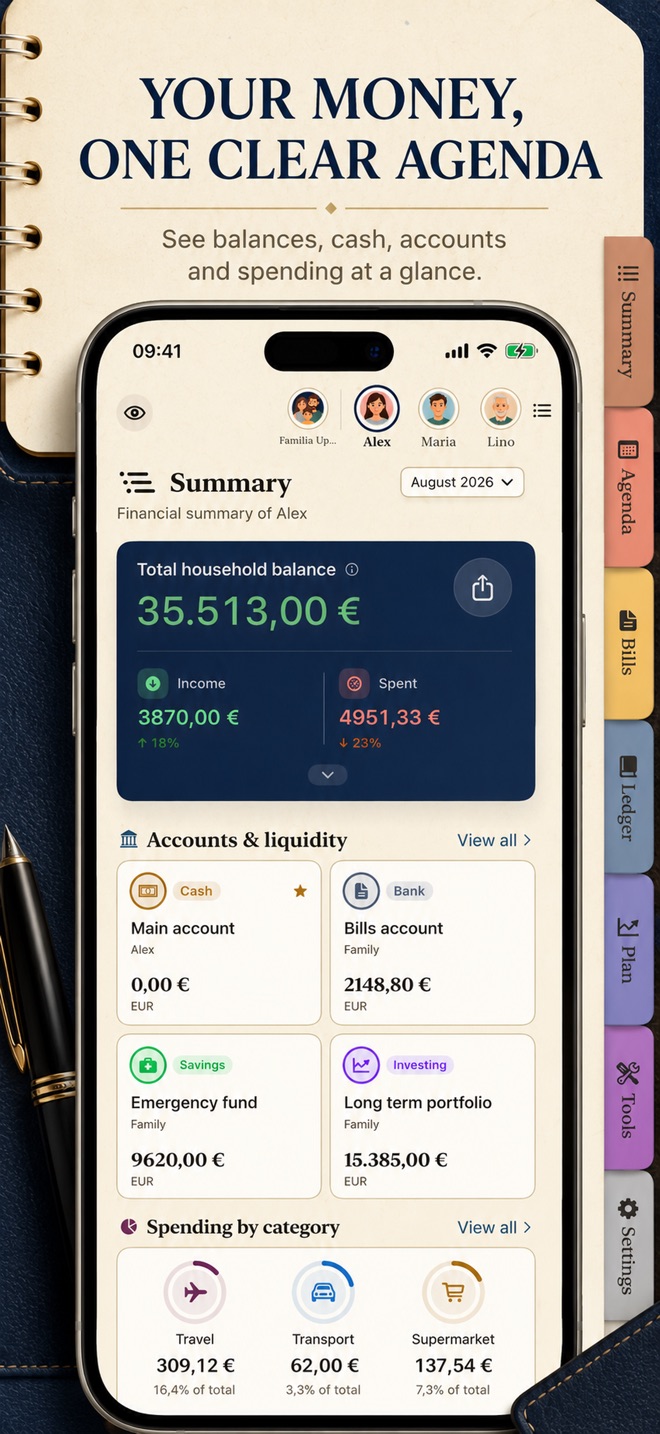
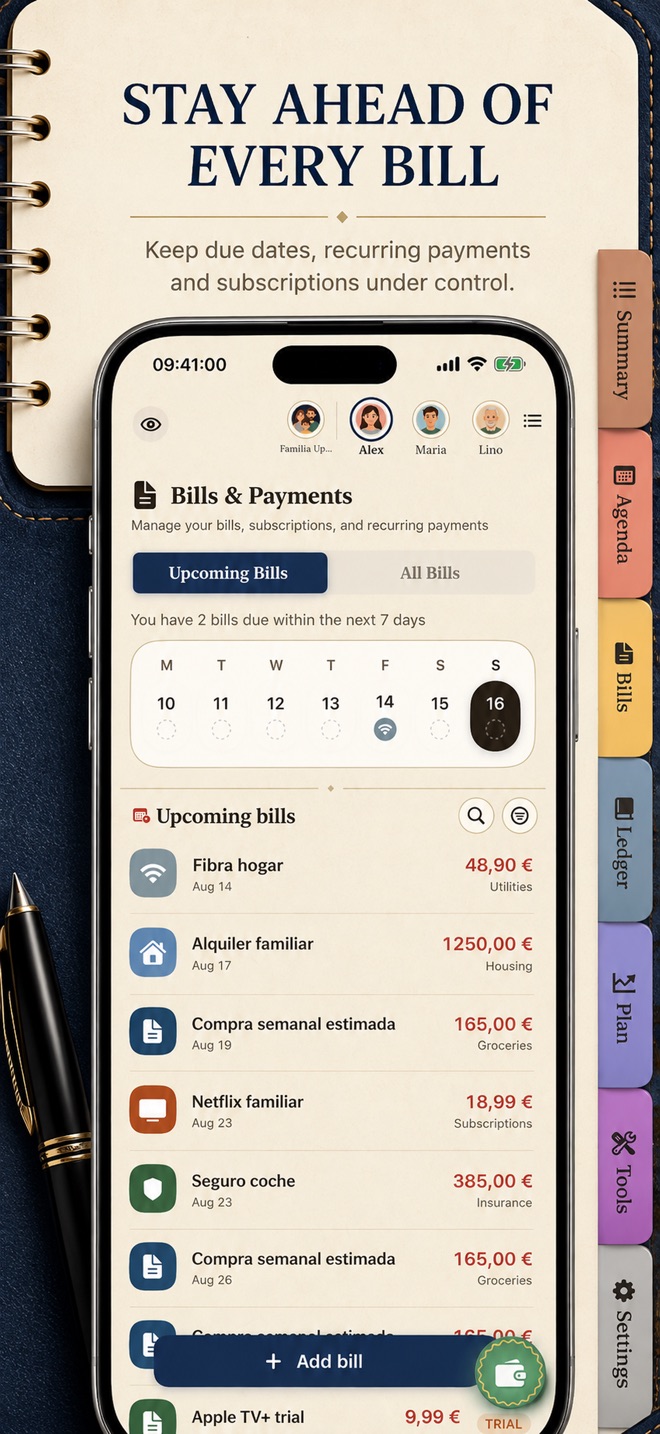
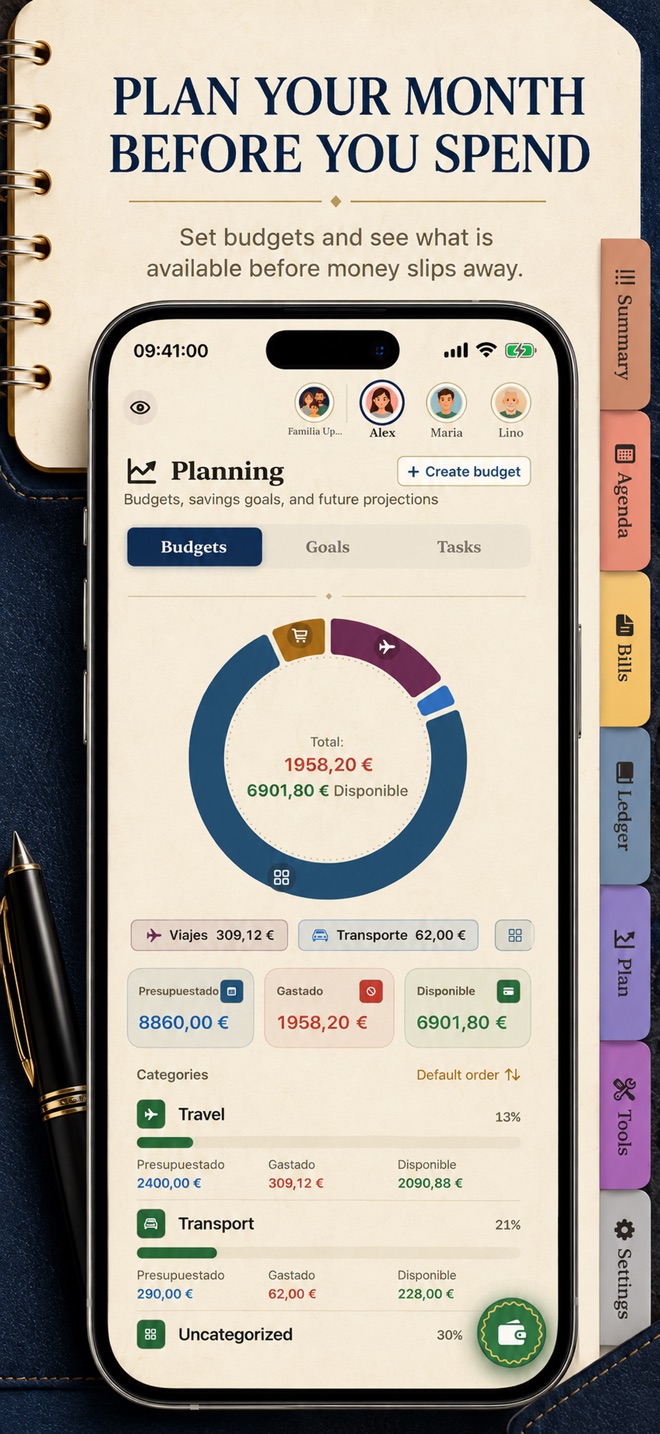
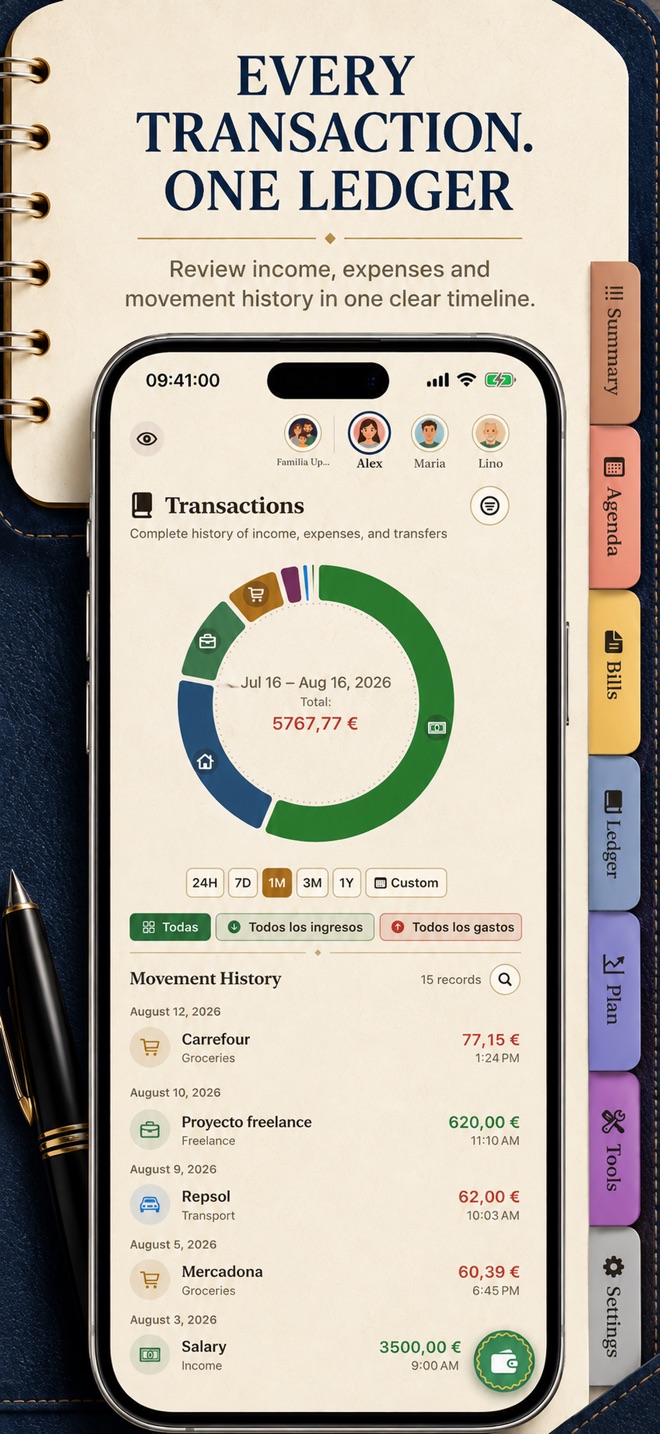
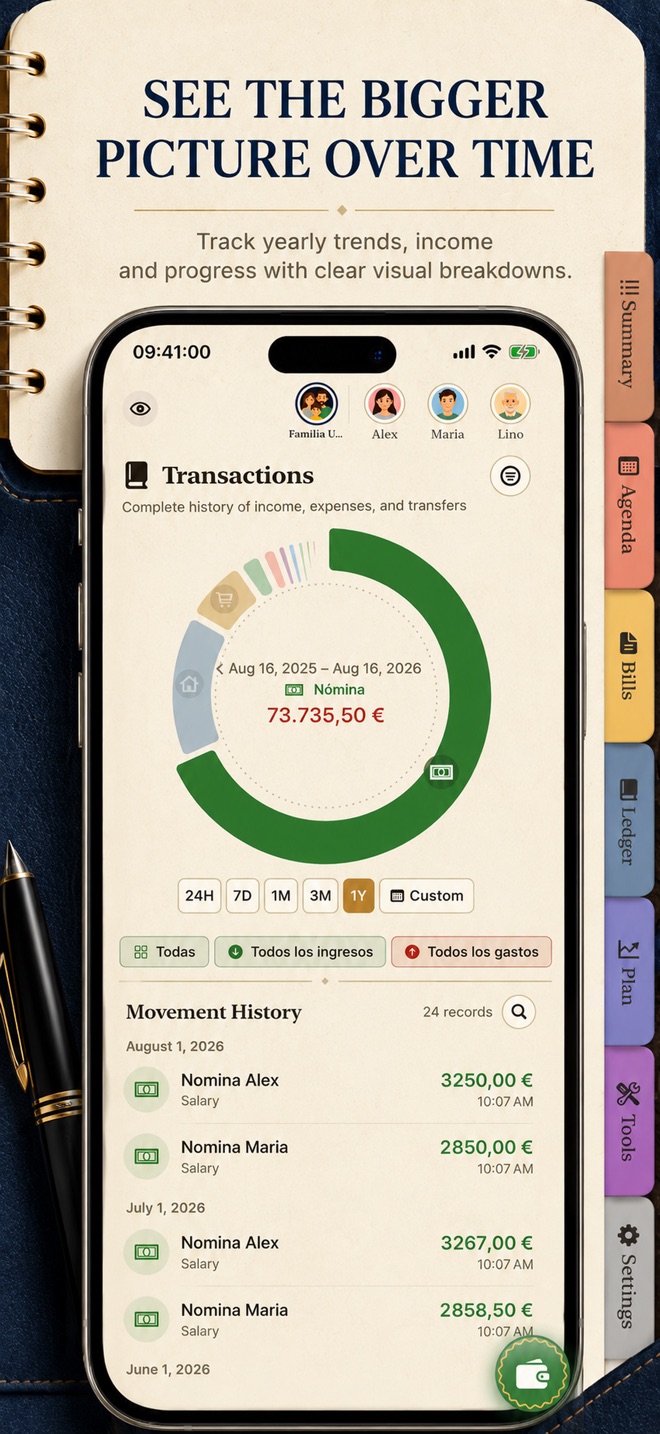
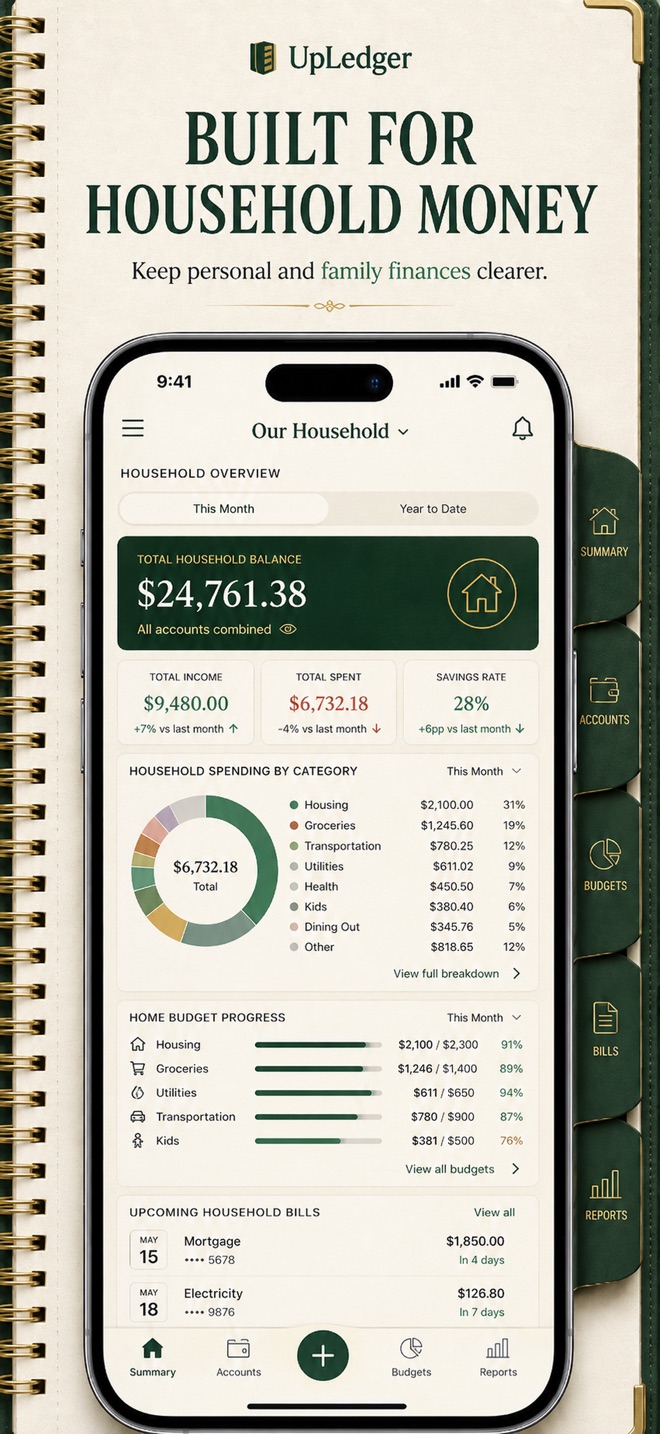
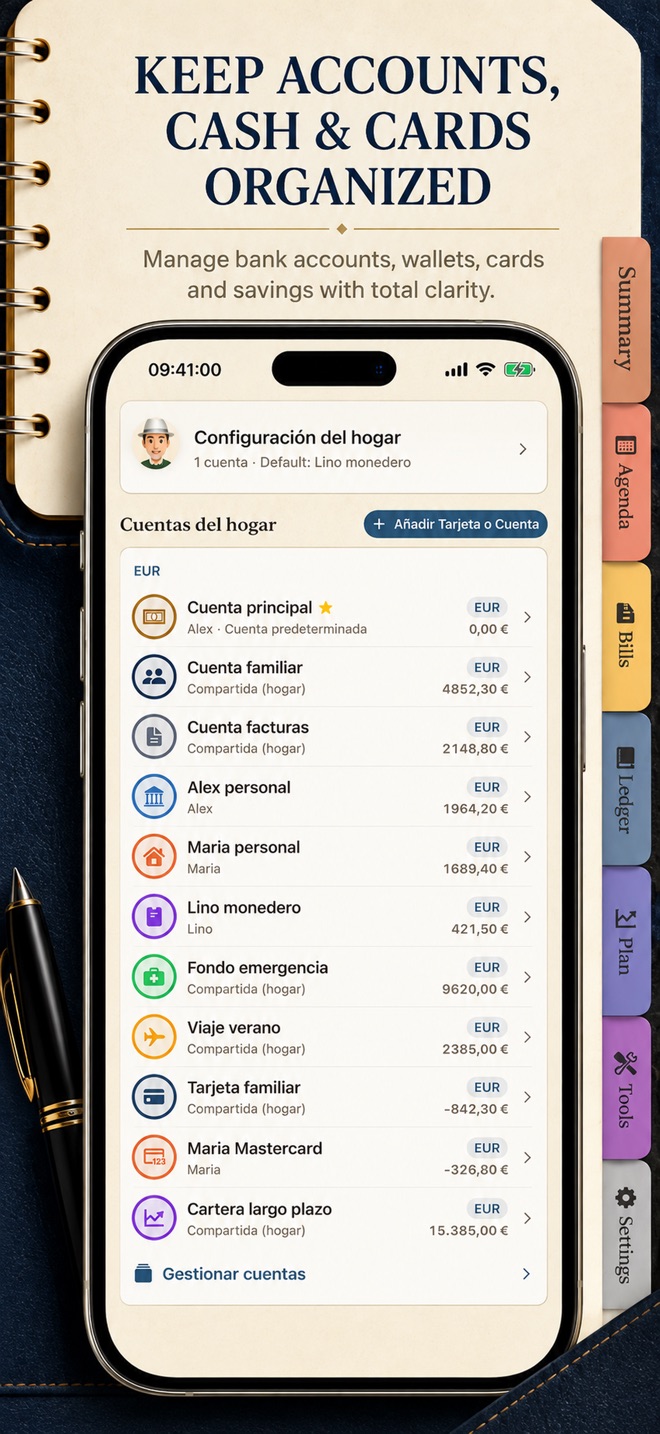
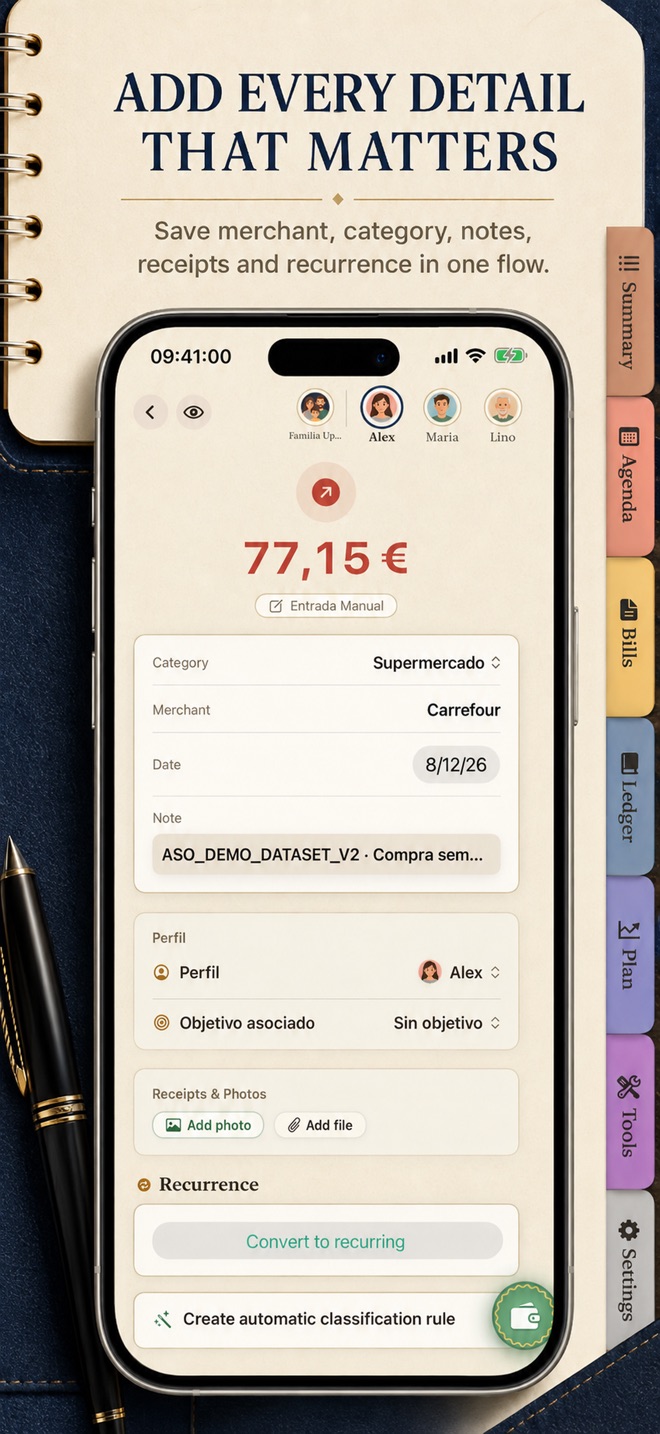
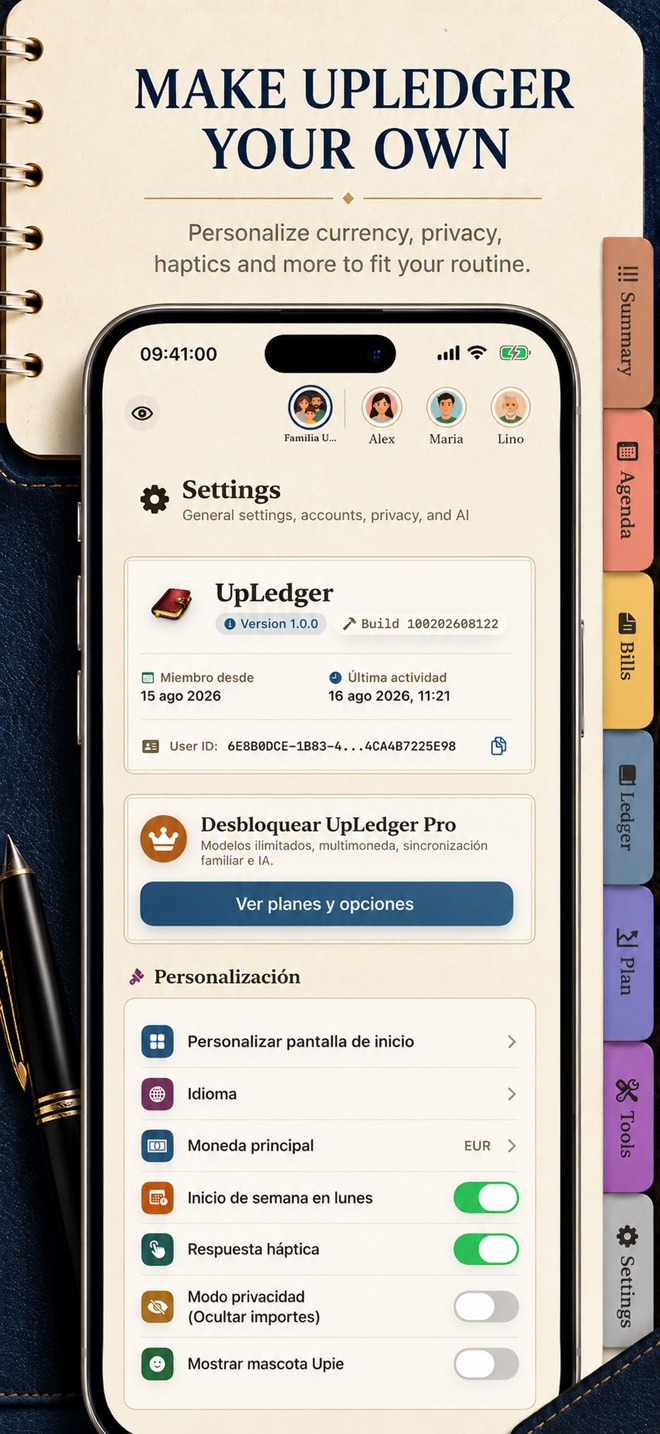
understand income, expenses, accounts, and budgets from one useful view.
review net worth and forecasts before you commit.
records stay on-device and in your private iCloud when sync is enabled.
v1.1.2 · Gratis
iOS 26.0+ · 2 idiomas
View official page on AppleA detailed, localised view of what you can do for free and what the Premium plan unlocks. Statuses are updated from the admin panel.
| Capability | UpLedger FreeFor getting started | UpLedger PlusFor going further |
|---|---|---|
| Accounts | Limited The free plan includes 1 account. | Included Raises the account limit according to the Pro plan shown in the app. |
| Classification rules | Limited Create up to 2 classification rules. | Included Raises the rule limit to reduce repetitive work. |
| Recurring transactions | Limited Save up to 2 recurring transactions. | Included Raises the recurring transaction limit. |
| Household members | Limited The free plan includes 1 household member. | Included Allows a larger shared household according to the Pro plan shown in the app. |
| Forecasts and analysis | Limited Includes a basic view for reviewing your current position. | Included Adds extended forecasts, scenarios, and advanced analysis. |
| iCloud and export | Not included Data stays local; sync and advanced export are not included. | Included Optional iCloud sync and CSV, JSON, and PDF export. |
Purchases and renewals are securely managed by Apple. Final prices are always those shown by the App Store in your territory.
Standard price observed in the Spanish App Store on 13 Oct 2026; Apple shows the final amount and terms before confirmation.
Apple shows the final price for your territory.
Standard price observed in the Spanish App Store on 13 Oct 2026. Offers may be available; Apple shows price and renewal terms before confirmation.
Apple shows the final price for your territory.
Step-by-step tutorials, frequently asked questions, and clear notes on privacy, compatibility, plans, and app limits.
Create a simple foundation before adding automation.
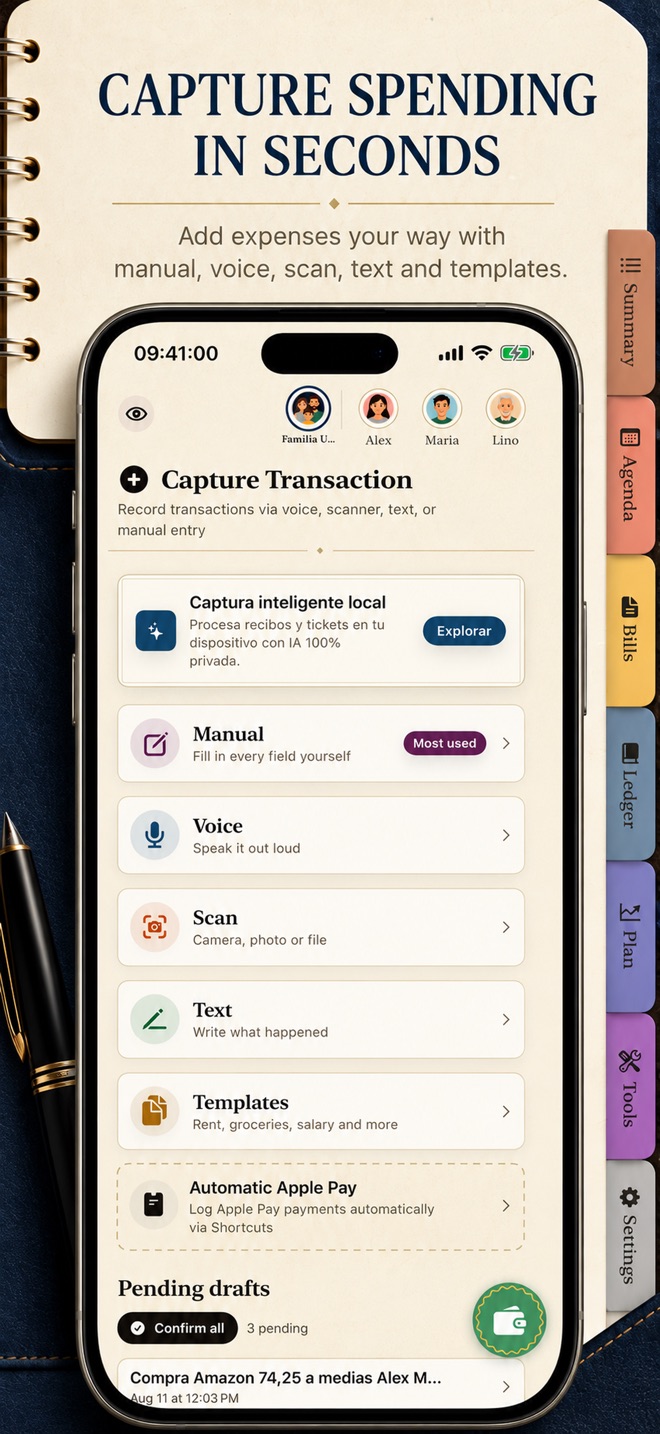
Capture something quickly while keeping control of what enters your ledger.
Text recognition speeds up entry, but always needs your review.
Keep monthly spending limits separate from repeating commitments.
A forecast depends on the records and assumptions you enter.
iCloud sync is optional and depends on your Apple account and settings.
Keep a readable copy for your records or external analysis.
Use the available Apple surfaces and approve each draft in UpLedger.
Purchases are managed by the Apple ID used to subscribe.
Be the first
Your rating helps more people discover UpLedger. Share your experience and leave a review and rating directly in the App Store.
Rate on the App StoreVersion history and progress
Novedades de UpLedger 1.1.2:
Ofertas y Campañas de Evento: Disfruta de nuestra suscripción anual de evento con 50 % de descuento especial durante campañas festivas, con precio protegido en tus renovaciones.
Canje Nativo de Códigos de Oferta: Ahora puedes canjear códigos promocionales directamente desde el paywall o desde los Ajustes sin salir de UpLedger.
Motor de Suscripciones StoreKit 2: Sincronización instantánea de compras, comparativas de ahorro con precios reales de App Store y compatibilidad con el Periodo de Gracia de Facturación de 16 días.
Tema Festivo de Halloween: Disfruta de la atmósfera de temporada con toques temáticos en tu libro de cuentas, icono a juego y animaciones fluidas respetando accesibilidad.
Optimizaciones de Rendimiento: Mayor agilidad y estabilidad perfeccionada en iPhone, iPad y Apple Watch.
Direct answers and doubt resolution about the application.
We are at your disposal to help you with any issue or suggestion about the app.
App SupportNo. UpLedger does not connect to banks or request your bank credentials. Add transactions manually or with the available capture tools.
Create your accounts, enter opening balances, and record income and spending with dates and categories. The guide on this page walks you through it.
No. Dictation, text, and images create a draft. Review the amount, date, account, and category; the transaction is added only after you approve it.
Yes. OCR and dictation can omit or misread details. Always compare suggestions with the original receipt before approving.
Data is stored locally on your device. If you enable sync, UpLedger uses your private iCloud container. Without sync or an export, you may have only a local copy.
Sync is optional and requires iCloud Drive, an Apple ID sign-in, permission for UpLedger, and available iCloud storage.
It includes 1 account, up to 2 classification rules, up to 2 recurring transactions, and 1 household member. The app shows current limits and offers.
It raises free-plan limits and includes extended forecasts, advanced analysis, optional iCloud sync, and CSV, JSON, and PDF export.
No. They are informational estimates based on your records and assumptions; they do not guarantee results or replace professional advice.
No. Intelligent assistance is optional. Local models are not downloaded automatically; an external provider requires setup and your consent before necessary text is sent.
It is optional. When enabled, aggregated technical events and crashes are sent; transactions, balances, merchants, and financial text are not.
UpLedger requires iOS or iPadOS 26 or later. Apple Watch and other ecosystem features require compatible devices and OS versions.
The Spanish App Store showed €2.99 monthly, €22.99 annually, and a €49.99 lifetime purchase on 13 Oct 2026. Availability may vary by account or offer; confirm the amount and renewal terms in Apple's purchase sheet.
The Spanish App Store listing shows UpLedger Pro Lifetime for €49.99 (observed on 13 Oct 2026). Availability depends on what Apple offers to your account in the purchase sheet.
Restore purchases on UpLedger's subscription screen using the same Apple ID. To change or cancel, open iOS Settings > your name > Subscriptions. Deleting the app does not cancel a subscription.
Use this page's support center to find help and send a question about UpLedger.