Action inbox
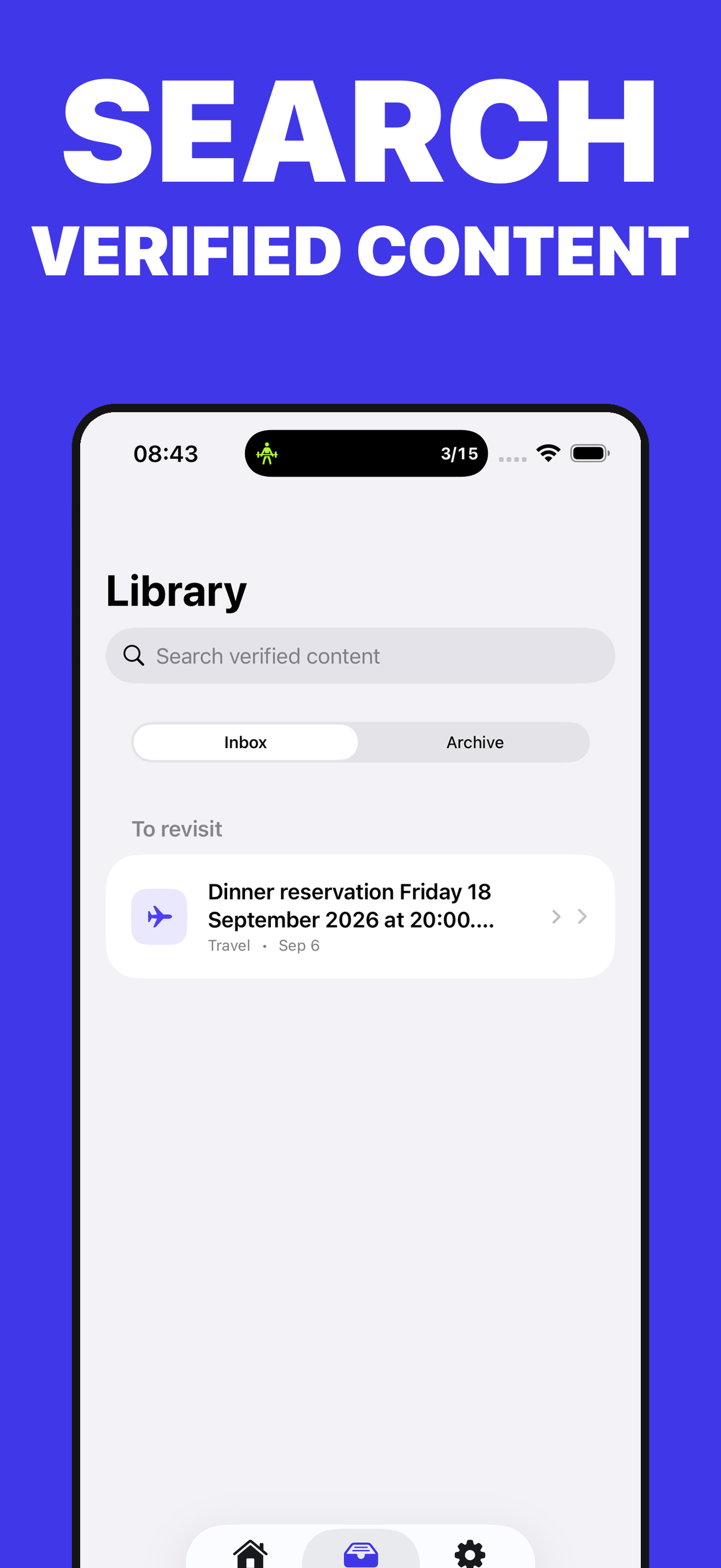
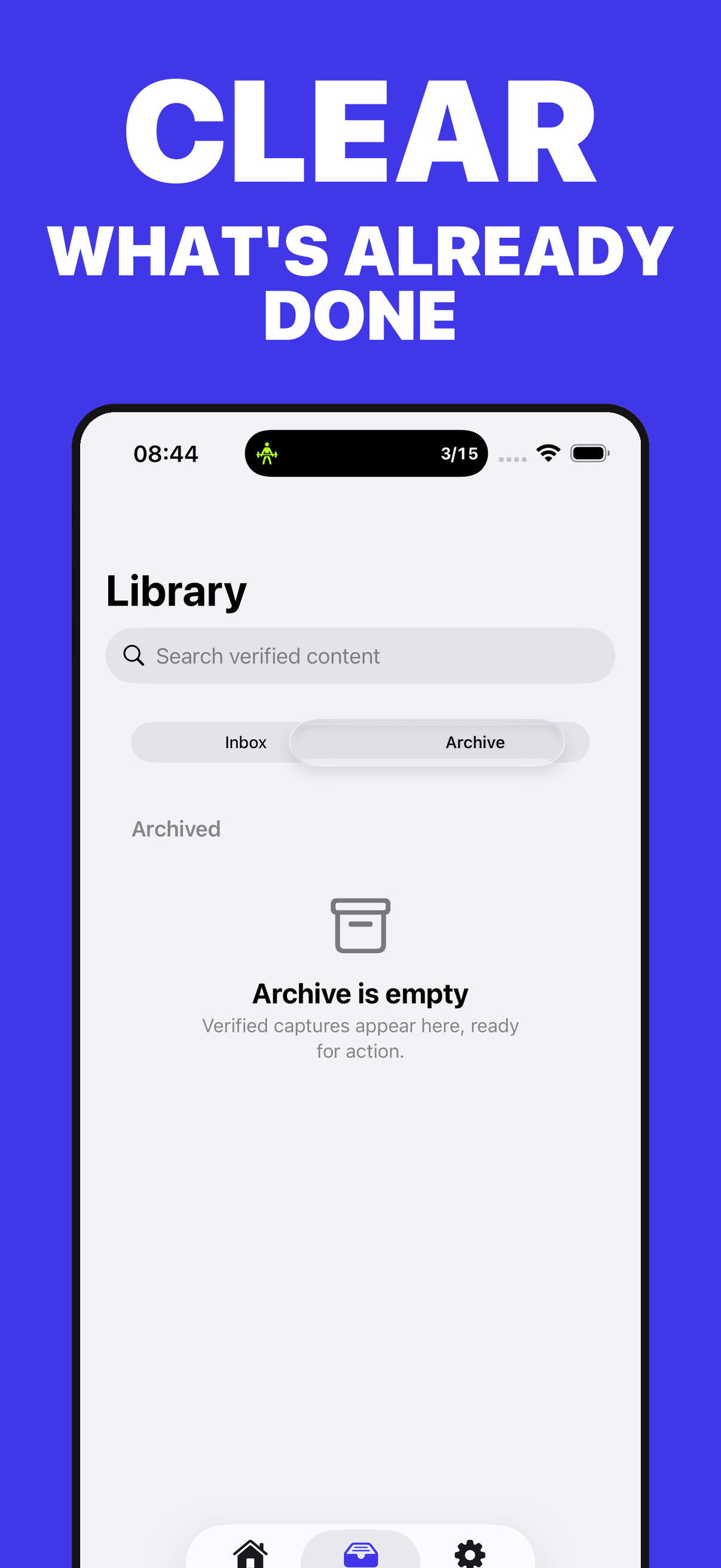
Bring together what you saved for later and separate pending items from archived work.

Turn screenshots into verified next steps.
A local inbox for turning what you save into clear, reviewed, actionable next steps.
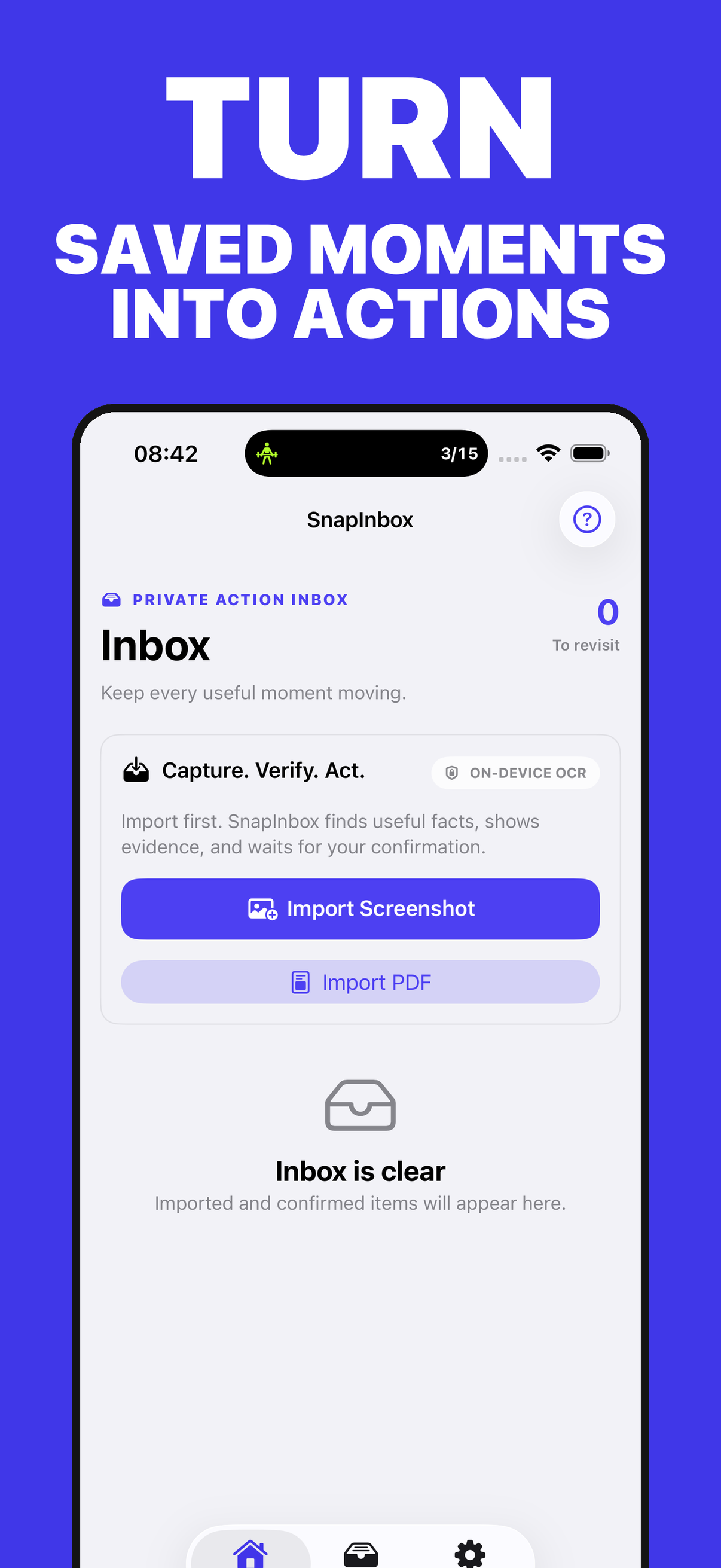
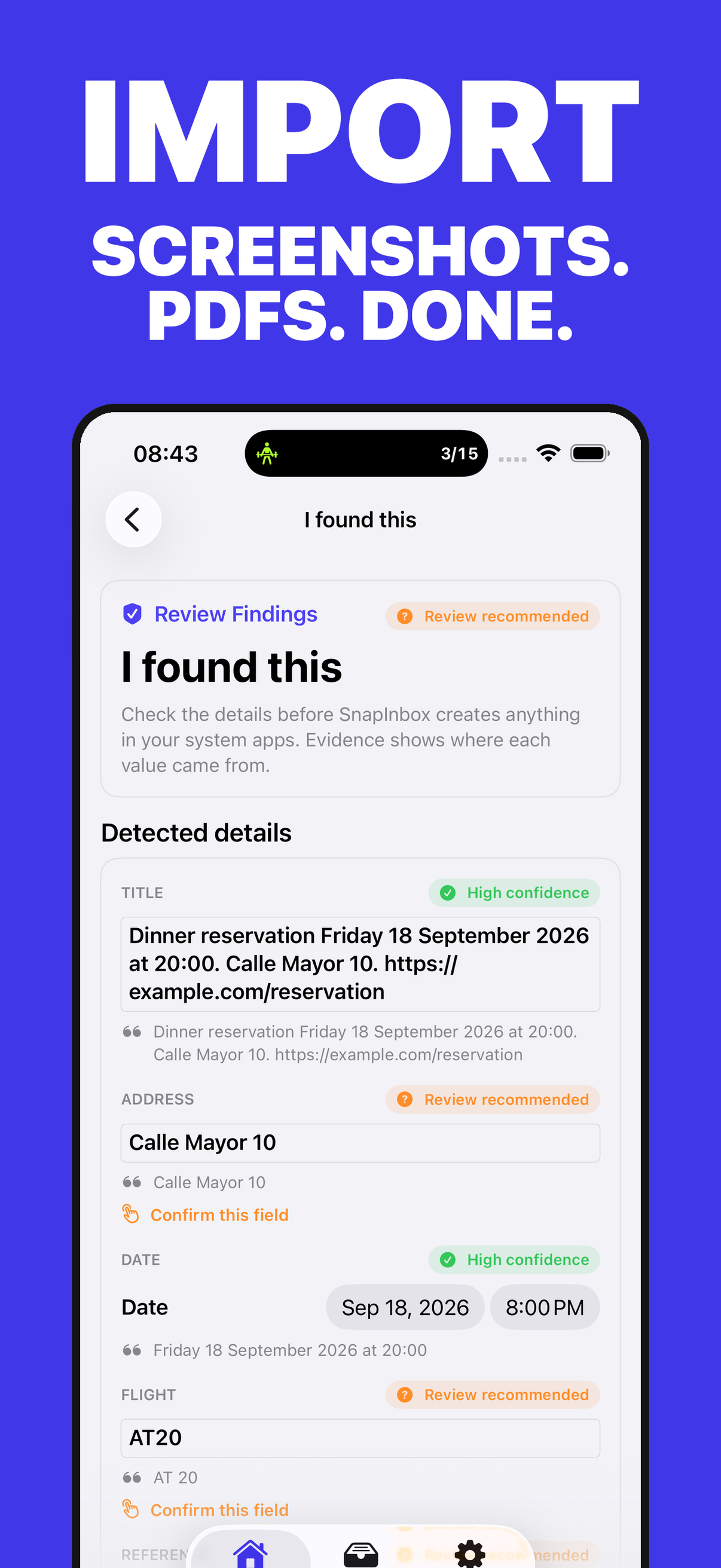
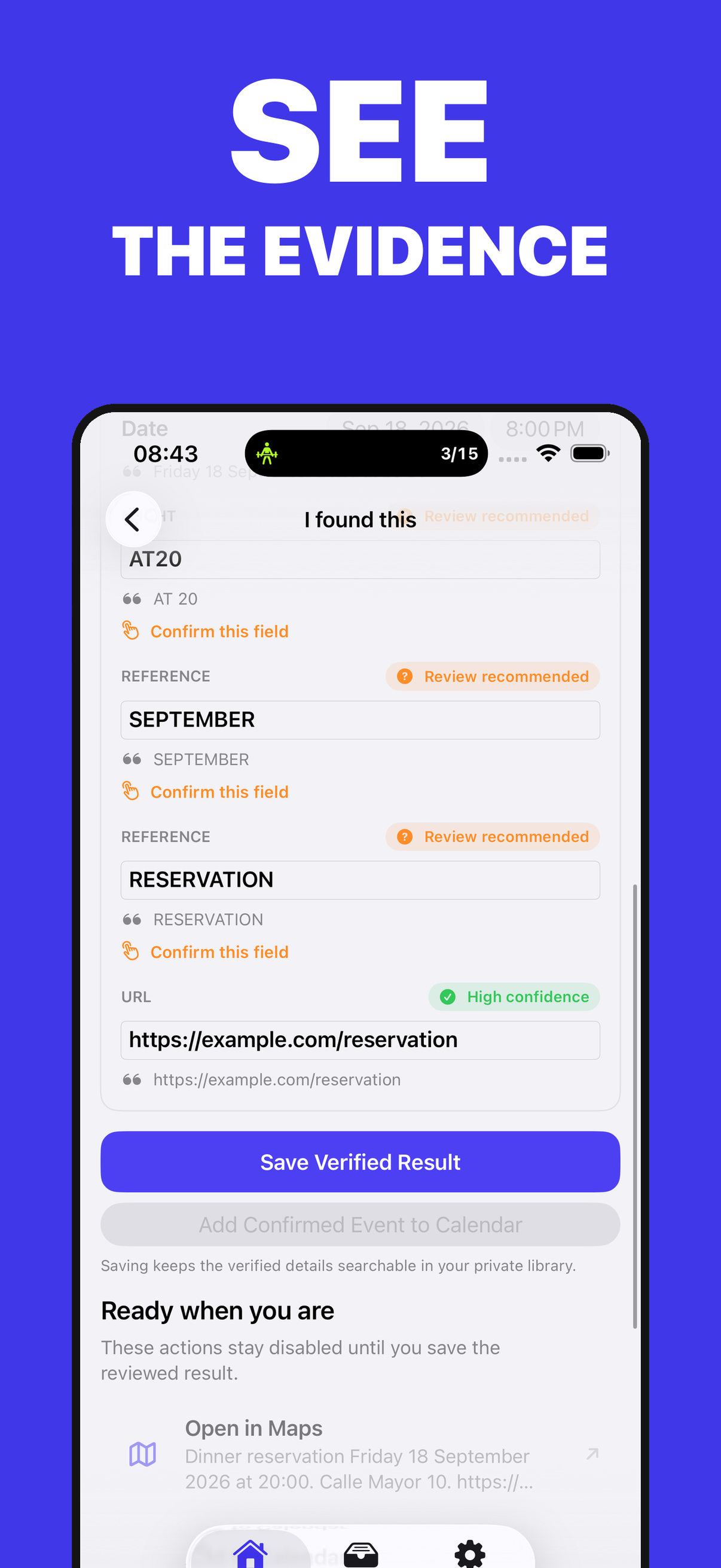
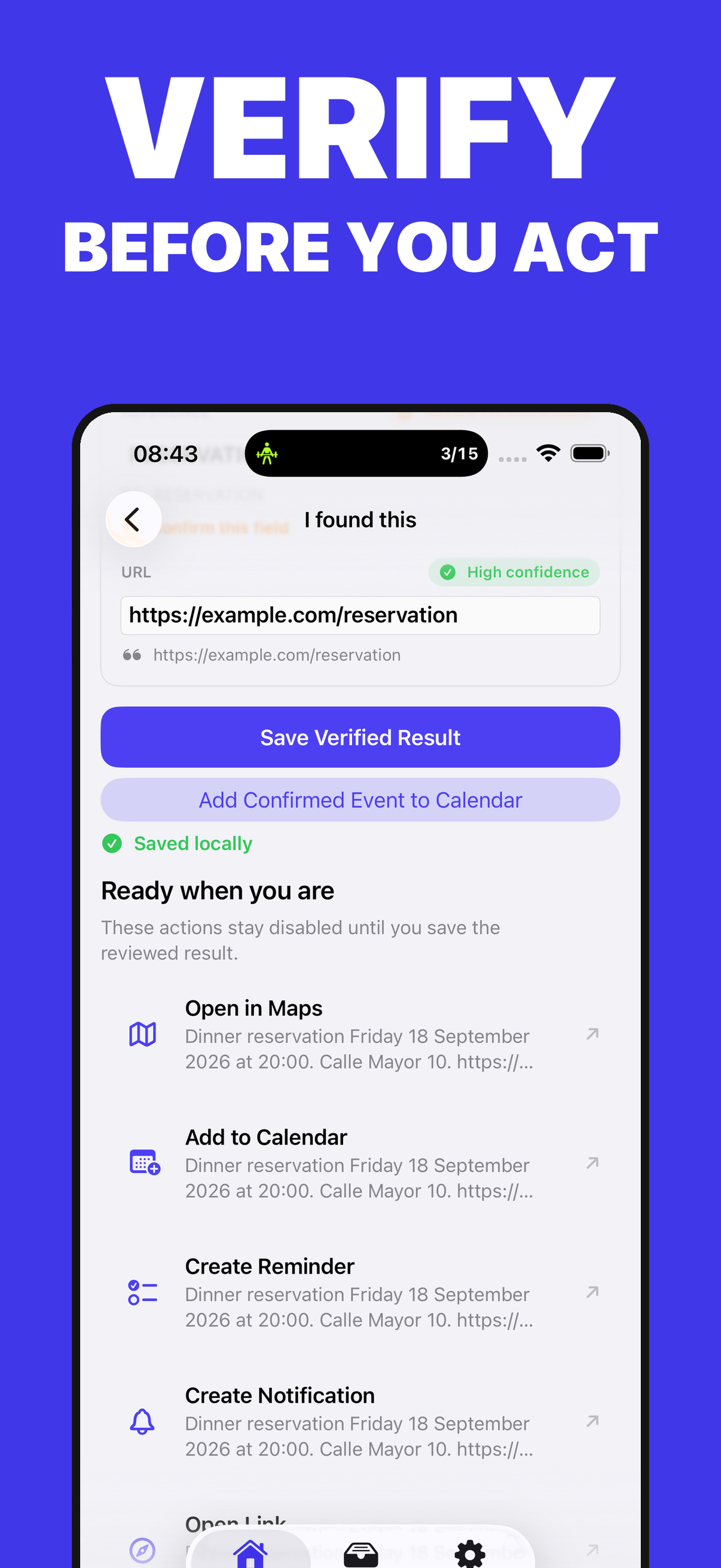
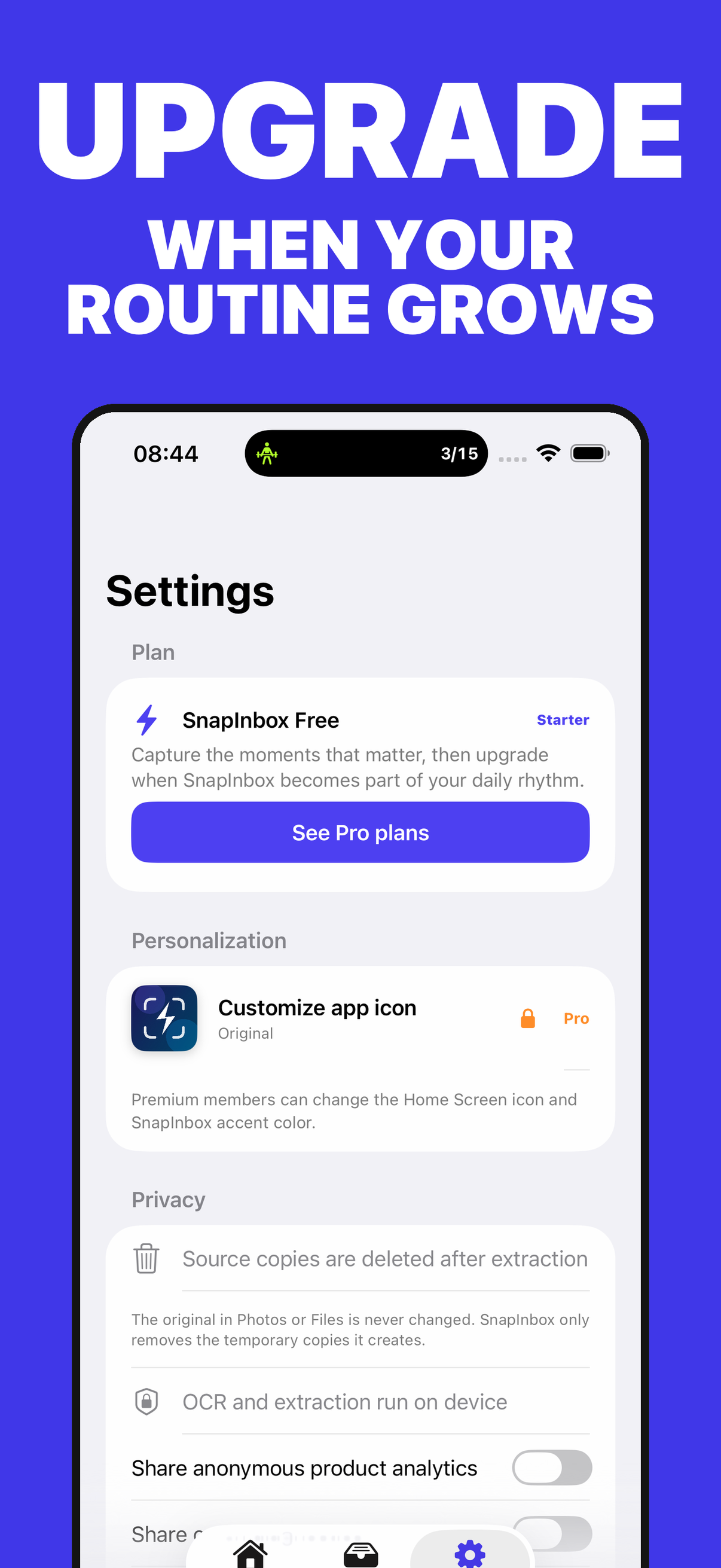
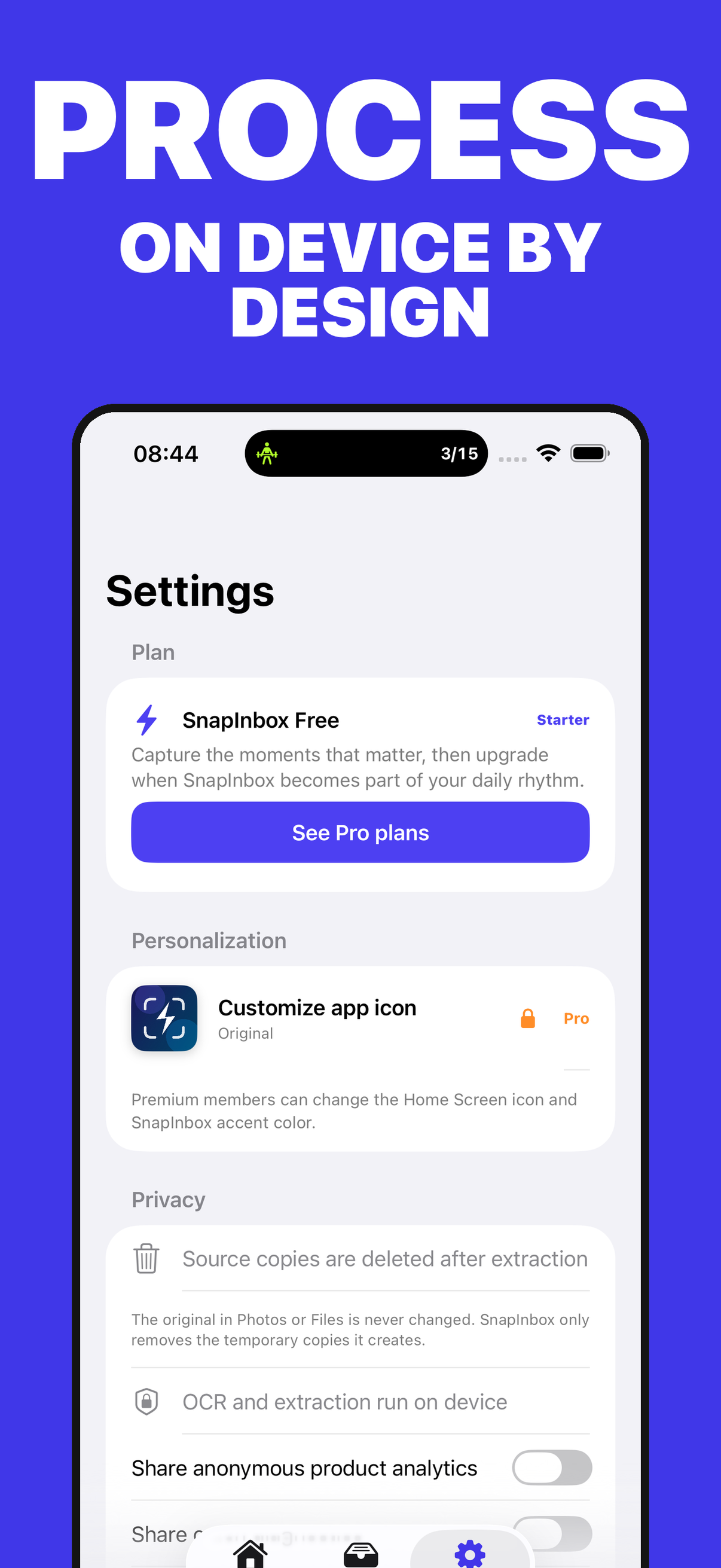
Icons, images, and video come from the product record and update with its catalog entry.
Bring together what you saved for later and separate pending items from archived work.
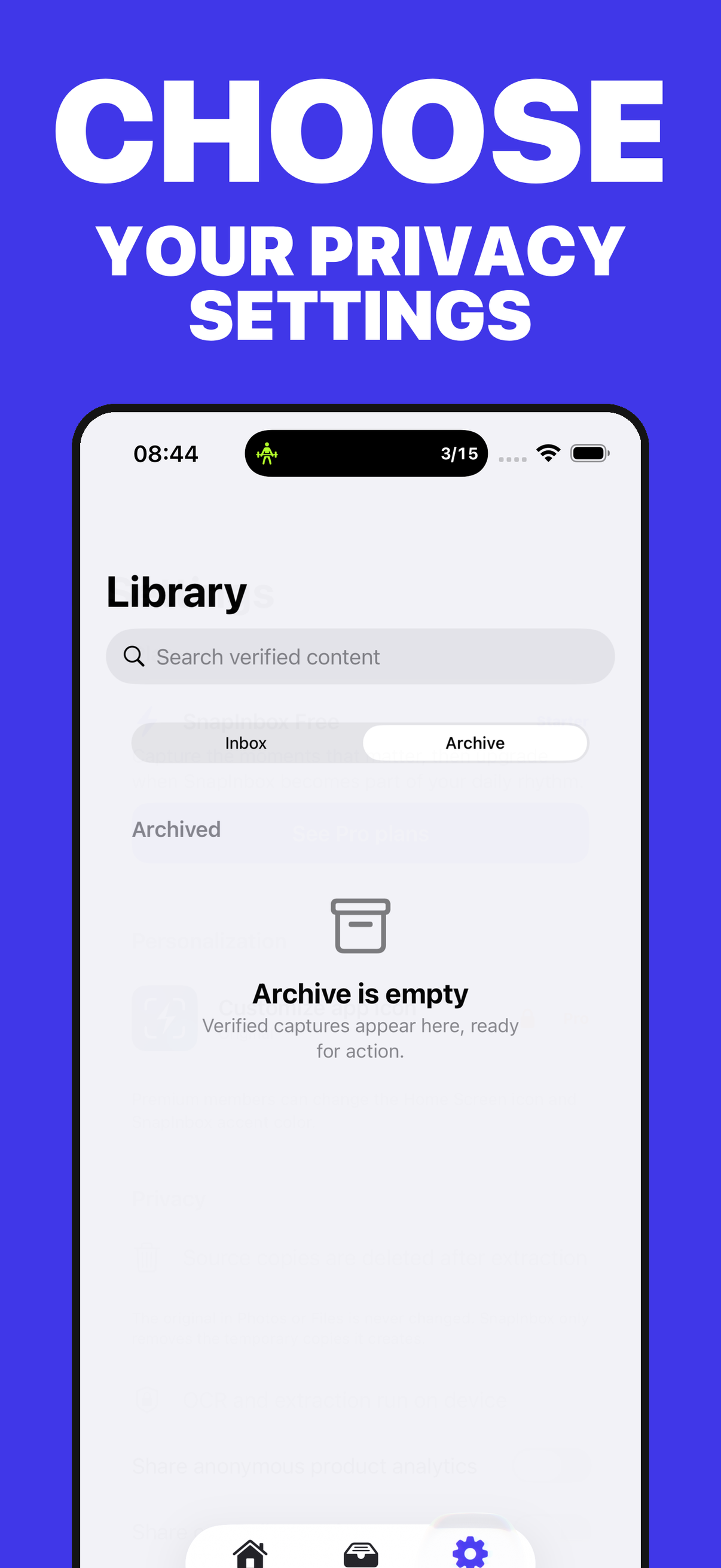
Recognize text and useful details without sending screenshots or PDFs to a server.
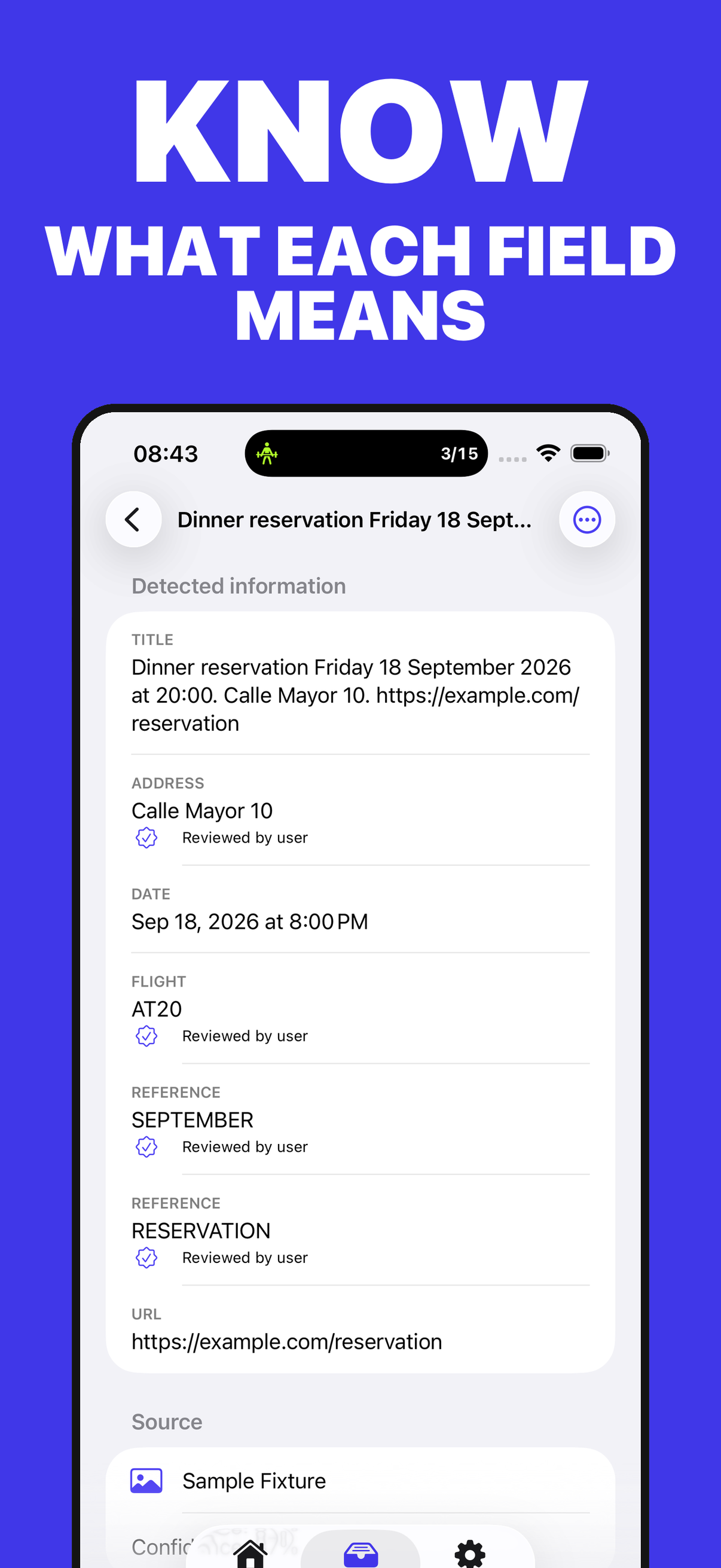
Review each field's source and correct it before saving.
Confirm every event, reminder, link, or export before it runs.
A detailed, localised view of what you can do for free and what the Premium plan unlocks. Statuses are updated from the admin panel.
| Capability | SnapInbox FreeFor getting started | SnapInbox PlusFor going further |
|---|---|---|
| Local inbox and archive | Included Turn screenshots into a local inbox you can review and archive. | Included Keep more captures and a larger action history. |
| On-device OCR and extraction | Included Extract information on-device so content stays under your control. | Included Process broader Premium workflows without changing the privacy model. |
| Action review and confirmation | Included Review and confirm every action before turning a capture into a next step. | Included Organise more actions with Premium workflow tools. |
| Widget, Share, and Shortcuts | Included Capture from Widget, Share, and Shortcuts to reduce friction in the moment. | Included Connect these entry points with more automation and workflow capacity. |
| Capacity and subscription | Limited Free capacity is designed to validate a personal capture workflow. | Included Increase capture capacity and restore the subscription across devices with the same Apple Account. |
Purchases and renewals are securely managed by Apple. Final prices are always those shown by the App Store in your territory.
Price configured for testing; Apple shows the final amount for each territory.
Price configured for testing.
Price configured for testing; Apple shows the final amount for each territory.
Price configured for testing.
Be the first
Your rating helps more people discover SnapInbox: Action Inbox. Share your experience and leave a review and rating directly in the App Store.
Share feedbackDirect answers and doubt resolution about the application.
We are at your disposal to help you with any issue or suggestion about the app.
App SupportNo. La versión actual procesa y guarda el contenido de SnapInbox localmente. RevenueCat solo recibe la información técnica necesaria para gestionar la suscripción Pro; no recibe tus capturas ni resultados OCR.
No. El flujo principal funciona sin cuenta y sin conexión. Las compras se asocian al Apple Account que usa el App Store.
SnapInbox muestra confianza y evidencia, pero una extracción puede equivocarse. Revisa el contenido original y corrige los campos antes de guardar o crear una acción.
No. Las acciones de Calendario y Recordatorios requieren tu confirmación explícita después de revisar los datos.
Puedes eliminarlo desde la app y ajustar la retención de la captura original. Al desinstalar SnapInbox se eliminan sus copias locales controladas por la app.
Usa Restaurar compras dentro de SnapInbox con el mismo Apple Account. Apple y RevenueCat comprobarán el estado de la suscripción; las suscripciones se gestionan desde Ajustes > tu nombre > Suscripciones.