

Readiness Radar
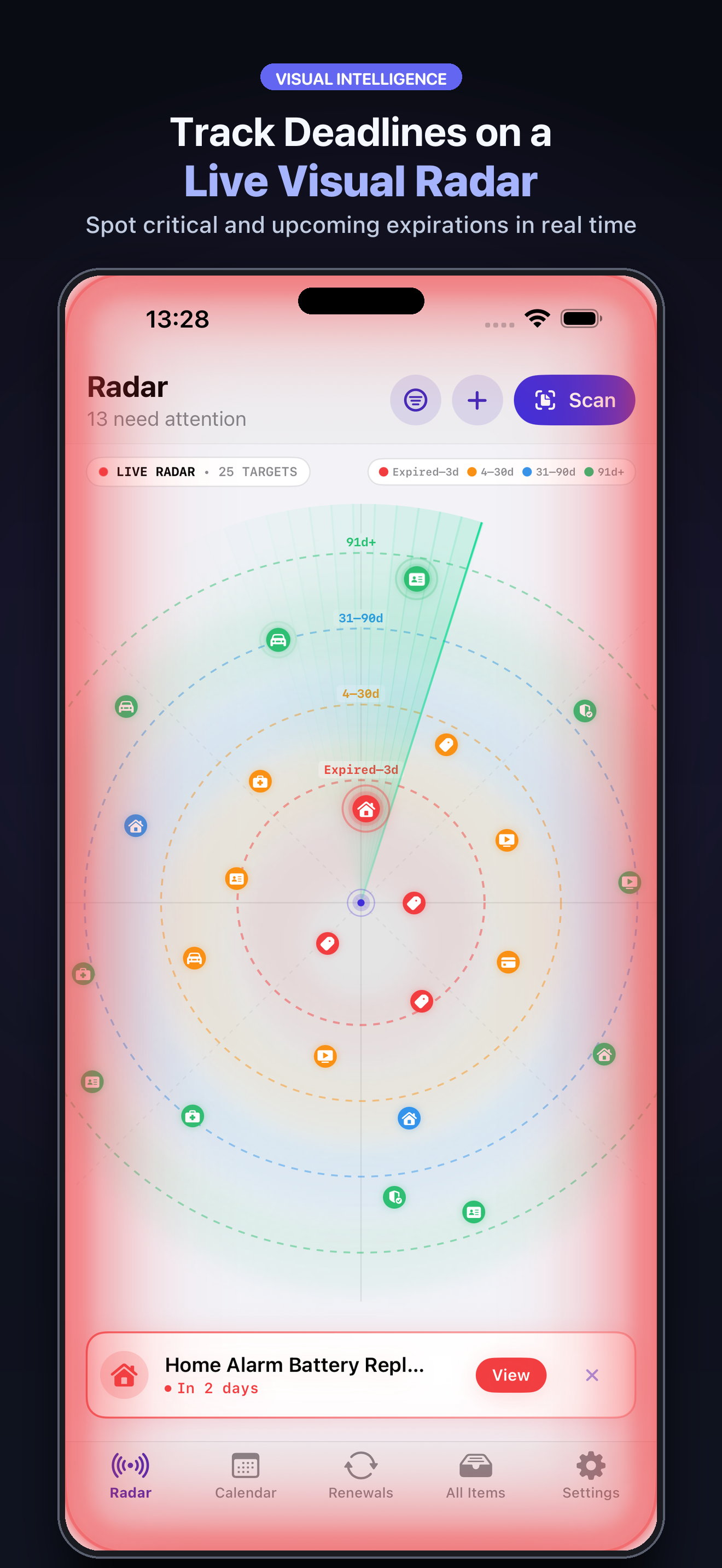
See which dossier needs a decision, document, or contact today.
Turn every renewal into a dossier ready for action.
Do more than remember the date: prepare the dossier, complete requirements, and keep every renewal history.
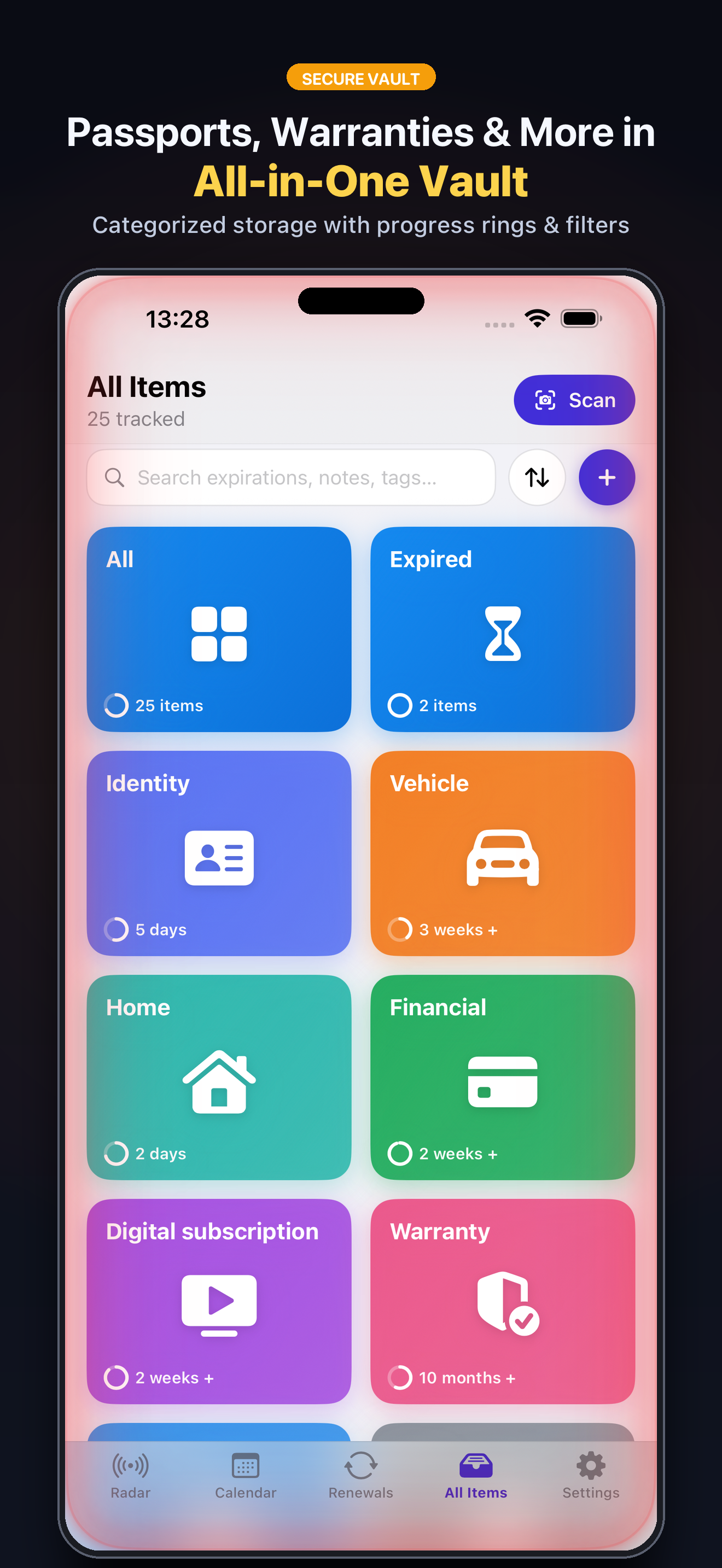
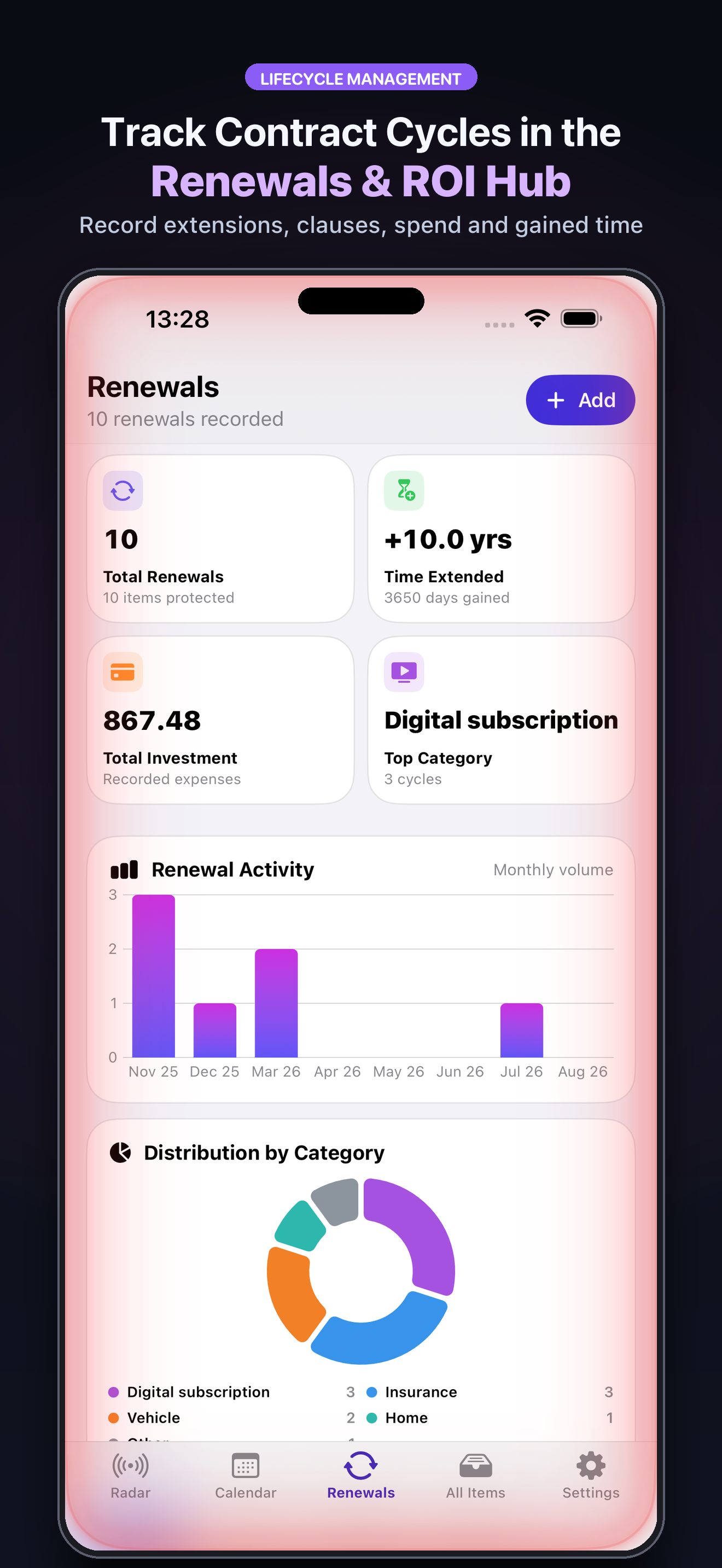
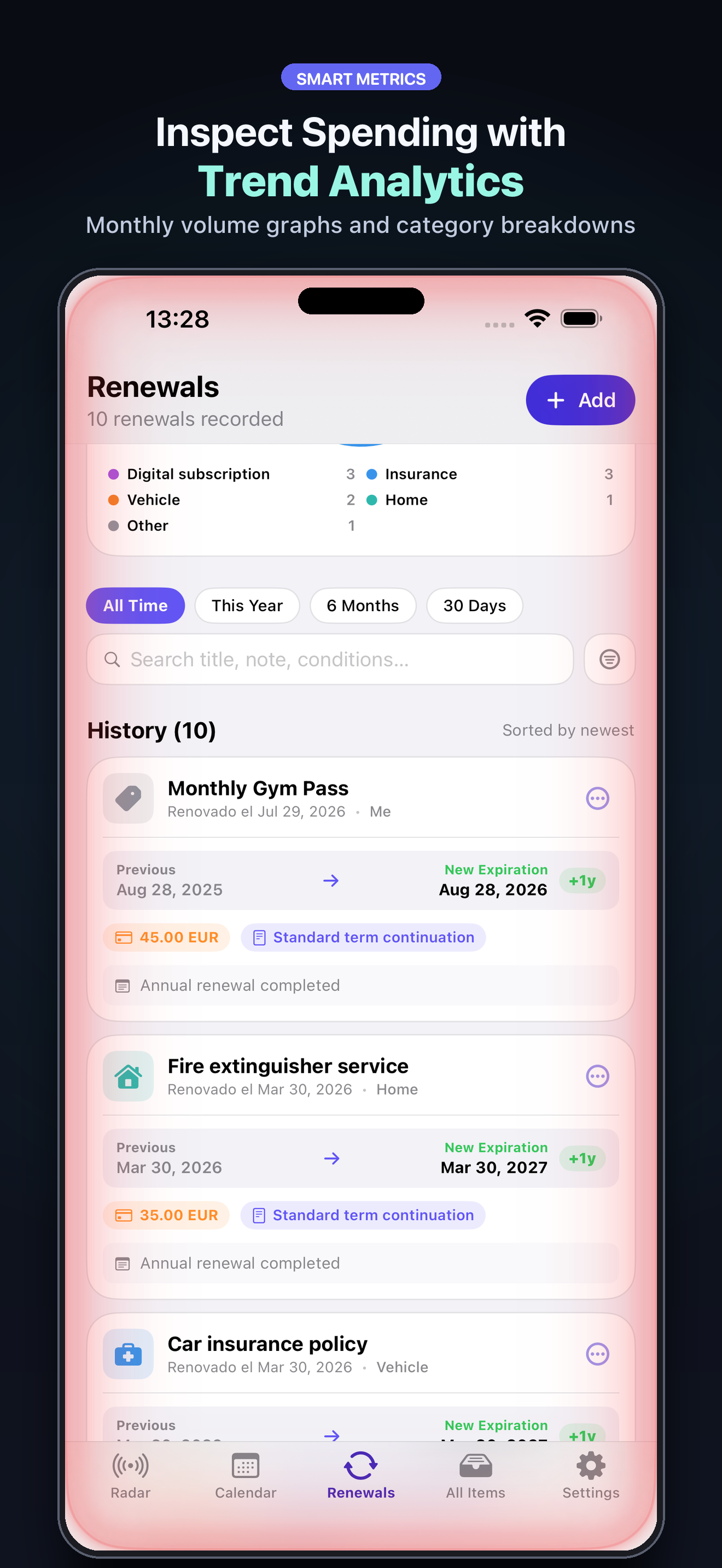
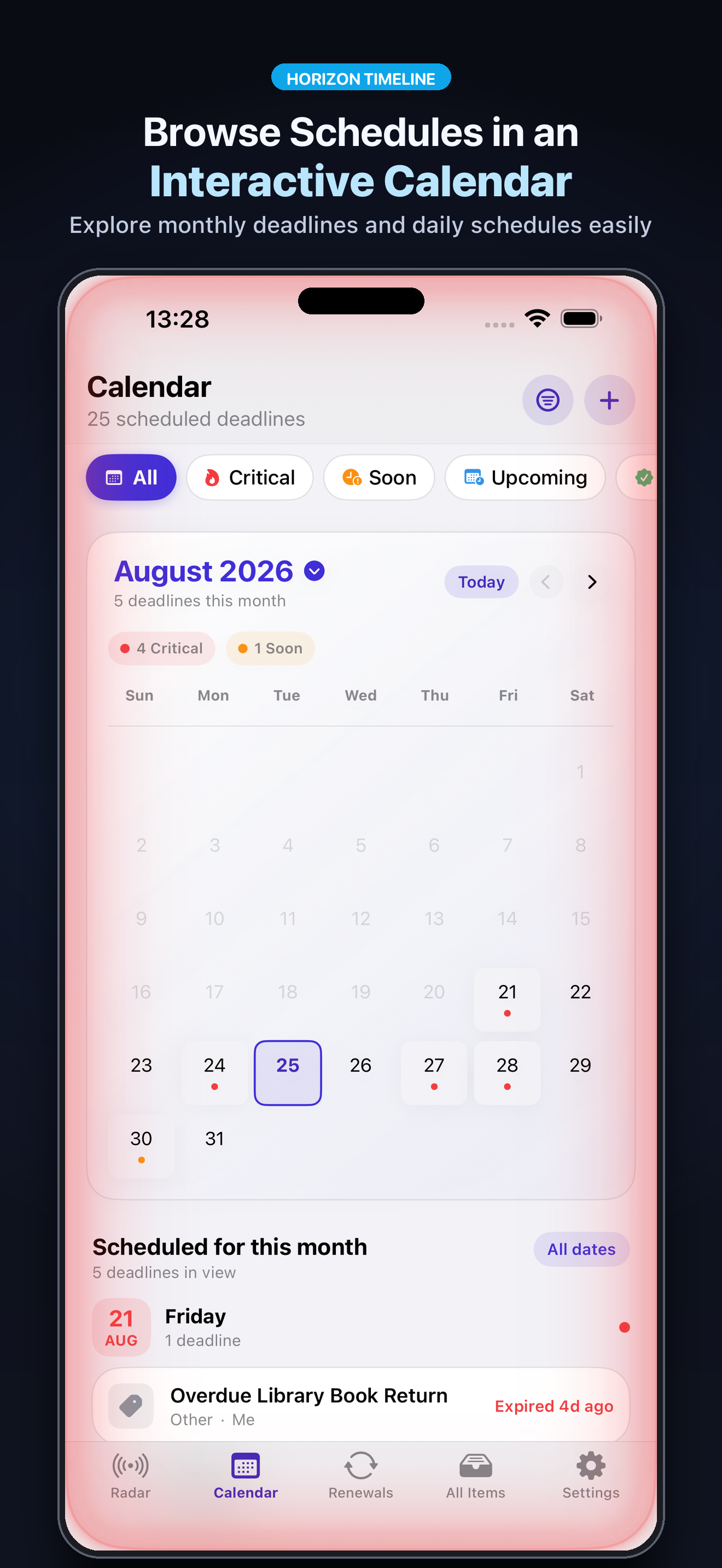
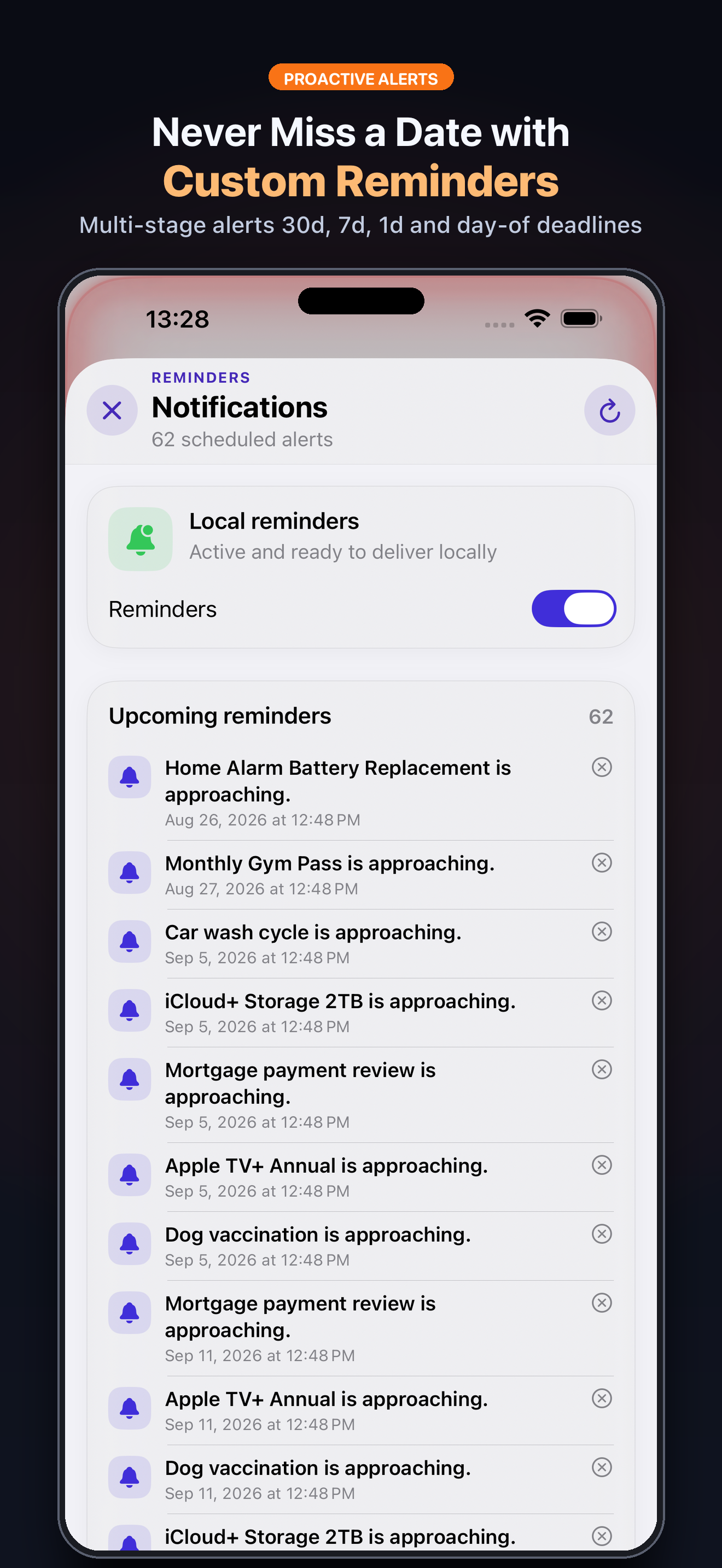
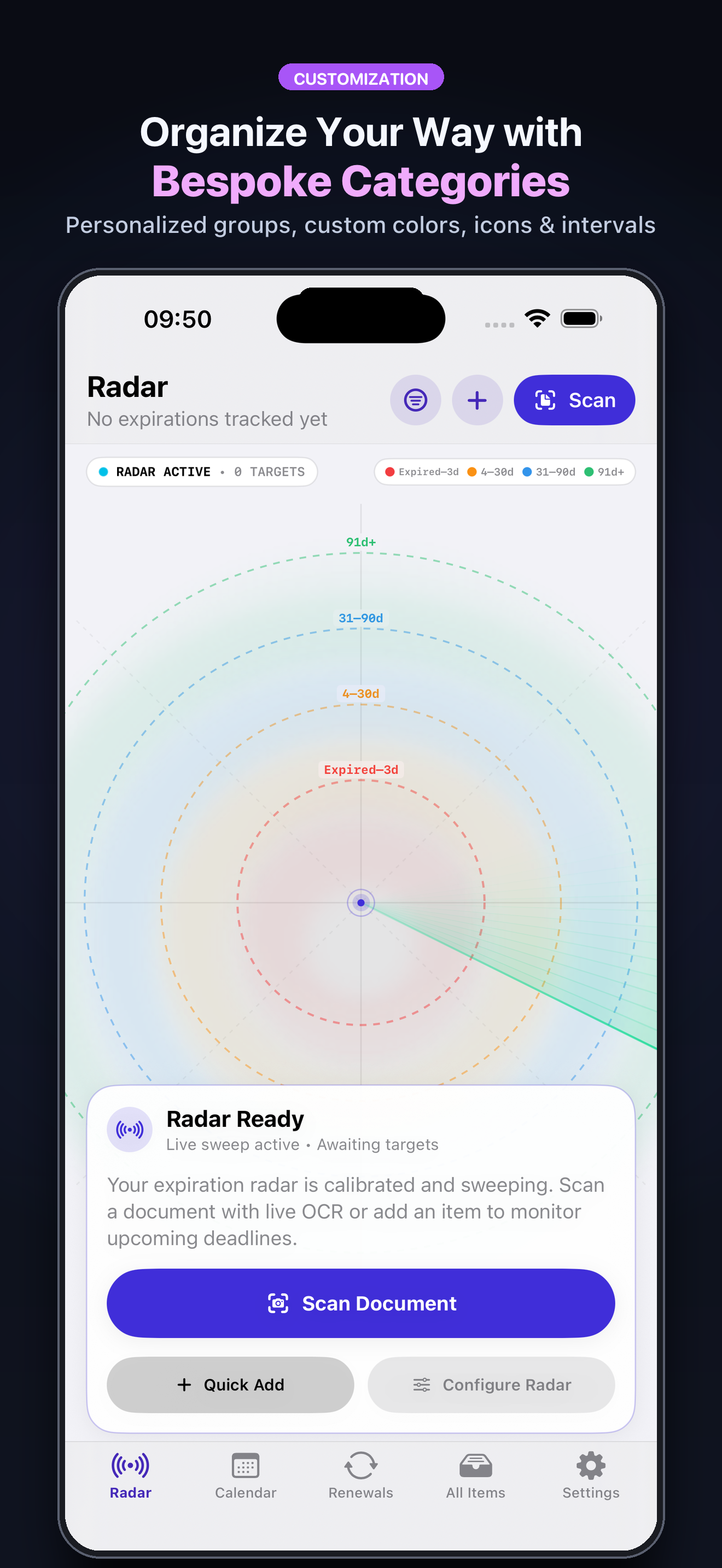
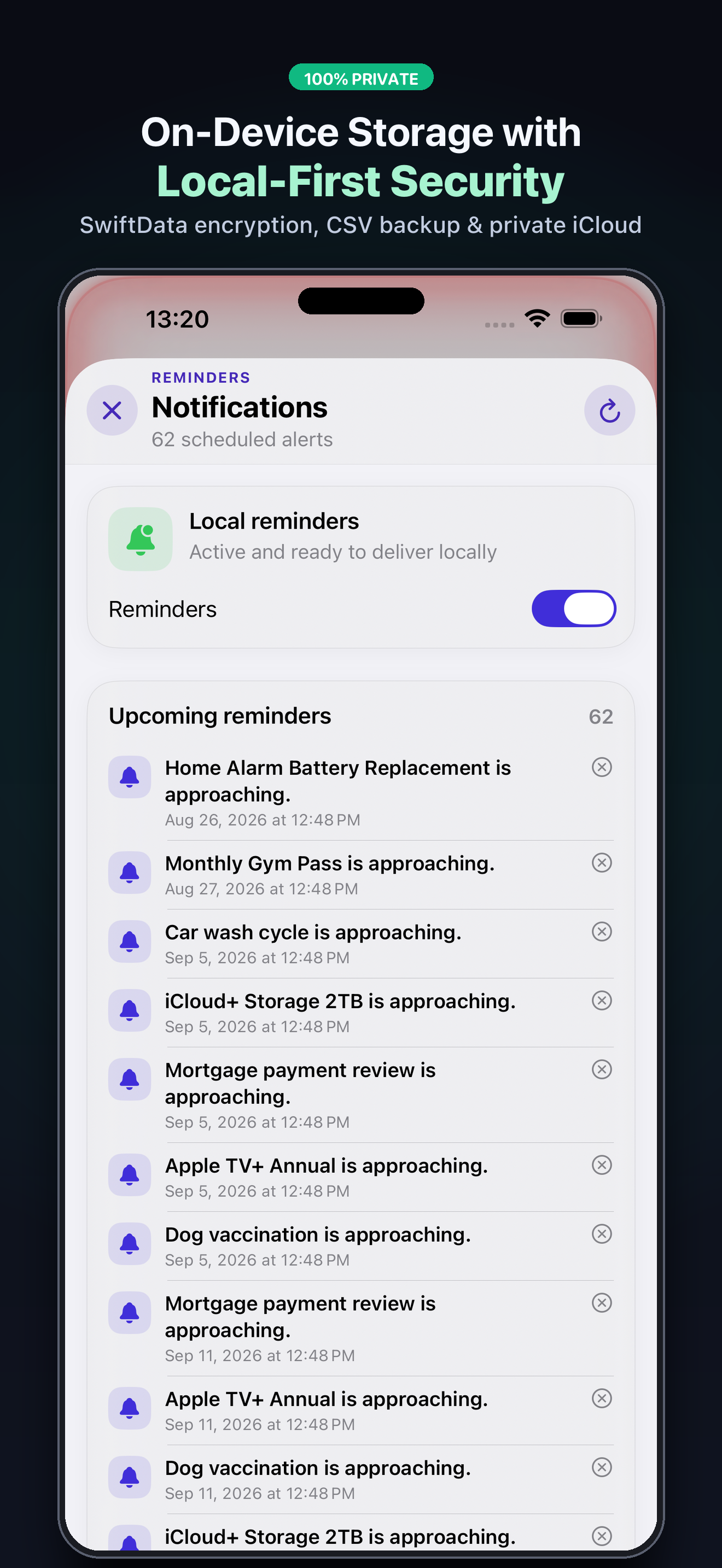
Icons, images, and video come from the product record and update with its catalog entry.
See which dossier needs a decision, document, or contact today.
Adapt the checklist to passports, inspections, insurance, contracts, warranties, and permits.
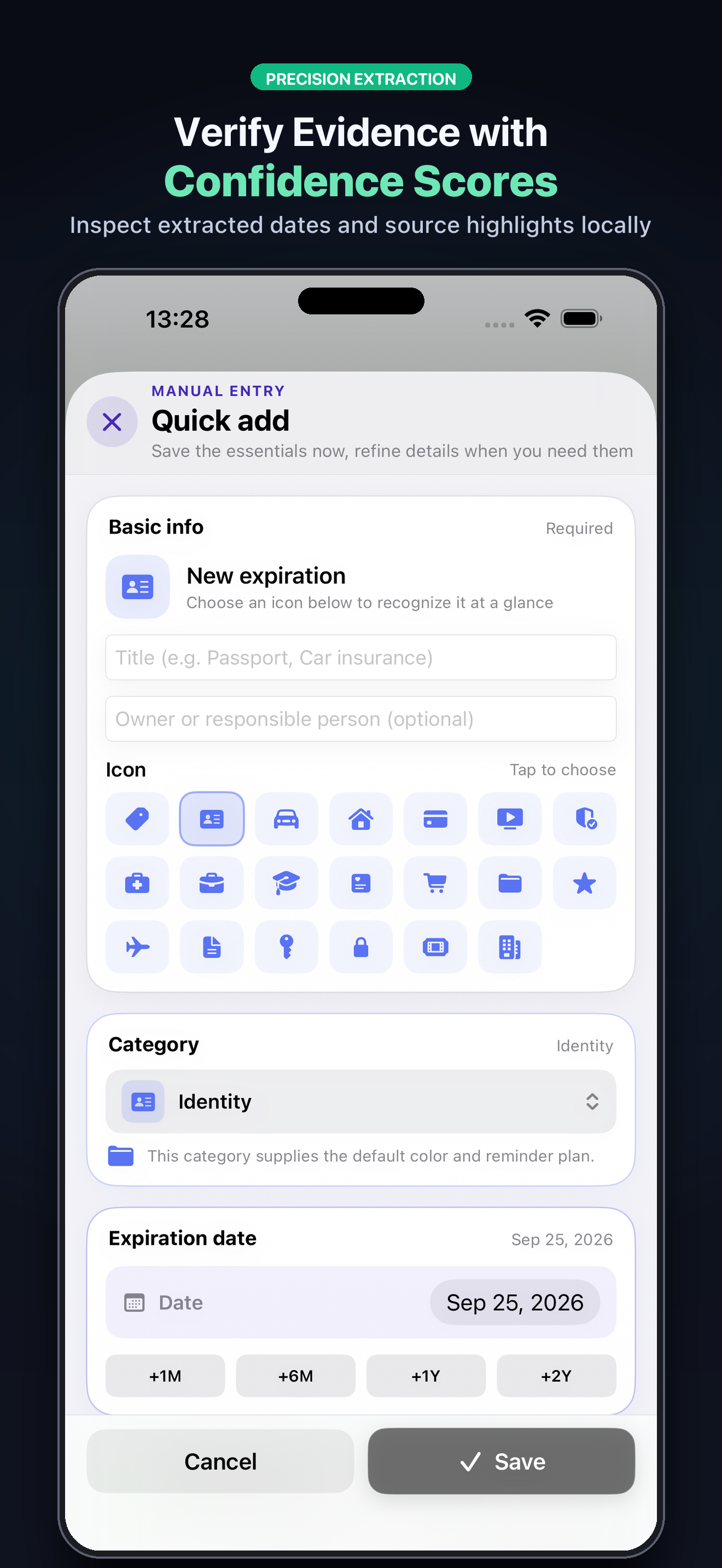
Keep issuer, reference, required documents, dates, and renewal history together.
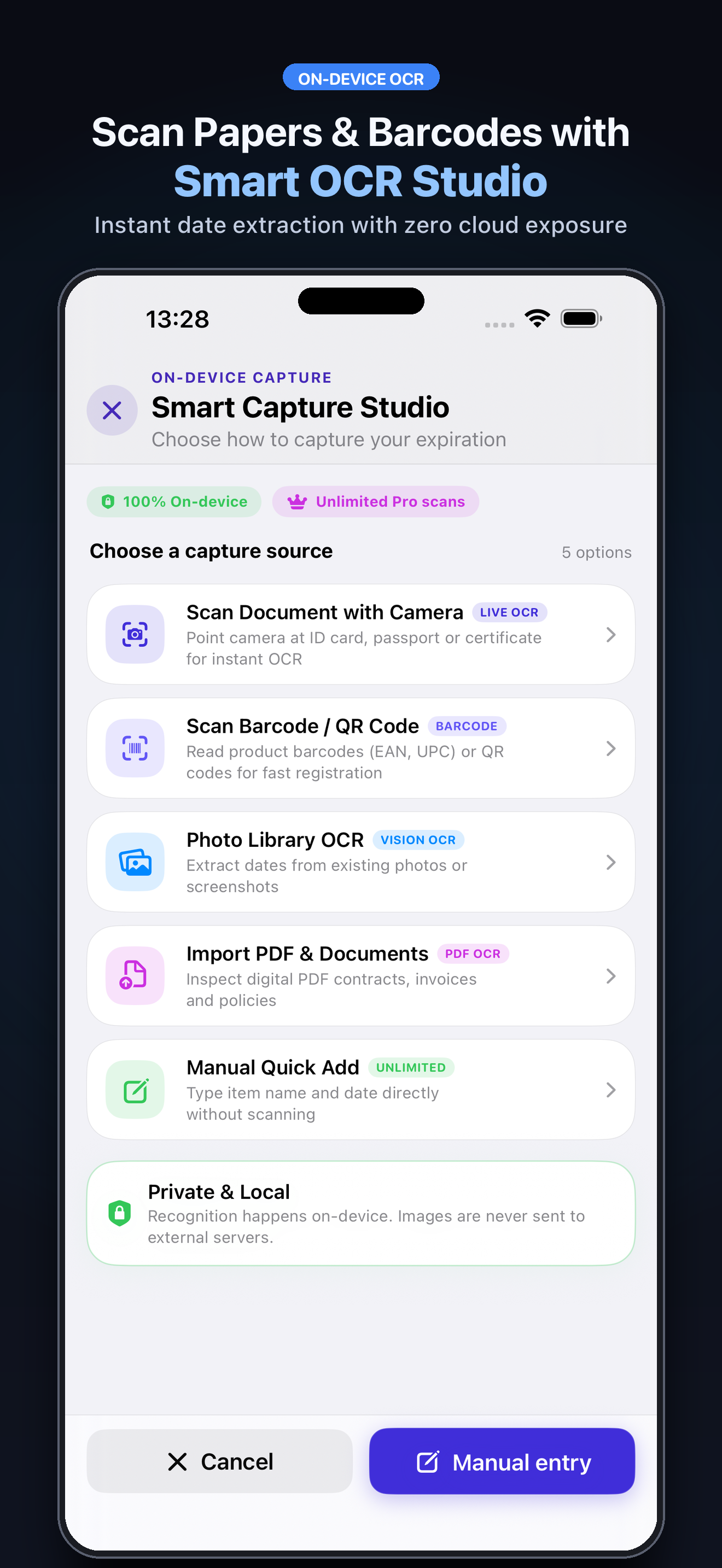
Add entries offline or capture with on-device OCR; review everything before saving.
v1.1.1 · Gratis
iOS 17.0+ · 2 idiomas
View official page on AppleA detailed, localised view of what you can do for free and what the Premium plan unlocks. Statuses are updated from the admin panel.
| Capability | Renuvia FreeFor getting started | Renuvia ProFor going further |
|---|---|---|
| Manual entry and active dossiers | Limited Add details manually offline; Free allows up to 7 active dossiers. | Included Manual entry offline and unlimited active dossier tracking. |
| OCR and barcode scans | Limited Up to 3 captures per month; review and confirm every field before saving. | Included Unlimited OCR and barcode captures. |
| Categories | Included Includes built-in categories to organize your dossiers. | Included Create custom categories with your own names, colors, and icons. |
| Reminders | Limited Local alerts with basic options; iOS controls delivery. | Included Configure multiple reminder intervals for each dossier. |
| Playbooks and checklists | Included Choose a starter checklist and mark the steps you complete. | Included Starter playbooks and checklist tracking are included too. |
| Attachments | Limited Allows 1 file per dossier. | Included Store multiple files per dossier. |
| Export and sync | Not included Data is stored locally; export and iCloud require Pro. | Included Export and restore CSV/JSON, and enable private iCloud sync for dossier data. Attachment files stay on each device. |
Purchases and renewals are securely managed by Apple. Final prices are always those shown by the App Store in your territory.
7-day trial for eligible accounts; then renews monthly.
Apple shows the final price for your territory.
7-day trial for eligible accounts; then renews yearly.
Apple shows the final price for your territory.
Find tutorials, privacy details, plan limits, and notes about OCR, iCloud, and notifications.
Open the complete guideBe the first
Your rating helps more people discover Renuvia. Share your experience and leave a review and rating directly in the App Store.
Rate on the App StoreVersion history and progress
Renuvia 1.1.1 te ayuda a anticiparte a cada renovación. Descubre el tema y el evento de Halloween, cambia de tema con una experiencia más fluida y consulta con mayor claridad los próximos compromisos y sus plazos para decidir. Incluye mejoras de accesibilidad, estabilidad y rendimiento.
Direct answers and doubt resolution about the application.
We are at your disposal to help you with any issue or suggestion about the app.
App SupportYes. Manual entry, the Radar, local storage, and local reminders work without creating an account. Manual entry does not need OCR, a camera, AI, or a network connection. iCloud is optional and requires an Apple Account and a connection to sync.
Check each suggested field—especially the date, amount, issuer, and reference—against the original document. OCR and barcode recognition can miss or misread data. Save the dossier only after confirming the details.
It shows a decision deadline only when you enter an exact deadline or the notice period stated in the contract. If that information is unavailable, the decision date stays unknown; Renuvia does not invent notice periods.
No. Renuvia organizes the decision, checklist, and evidence, but it does not contact providers or carry out cancellations or renewals. Use the provider's own channel, complete the action there, and record the outcome in the dossier.
Optional private sync stores dossier data in your private iCloud database. Attachments—images and PDFs—stay in each device's local app storage and are not transferred by that sync. iCloud must be available on the devices involved.
The free plan allows up to 7 active dossiers, 3 OCR or barcode captures per month, and 1 attachment per dossier. The app shows the access and plan available to your account when a feature reaches its limit.
These are local device alerts, not server push notifications. iOS may delay or silence them because of permissions, Focus modes, or system policies. Renuvia prioritizes the next 64 pending alerts allowed by iOS; check the app and the original document when a date matters.
No. Renuvia is an organization tool. It does not provide authoritative interpretation of contracts, laws, insurance, or financial decisions. Always verify dates, requirements, and amounts against the original source or with a qualified professional.
Savings are recorded as an outcome when you mark a cancellation or switch complete before the commitment target. They are not a forecast or bank-verified amount; they depend on the amounts and dates you entered.
Manage or cancel the subscription in iOS/iPadOS Settings > your name > Subscriptions. Deleting the app does not cancel a plan. To restore a purchase, open Renuvia Pro and choose Restore Purchases with the same Apple Account.