

Local control
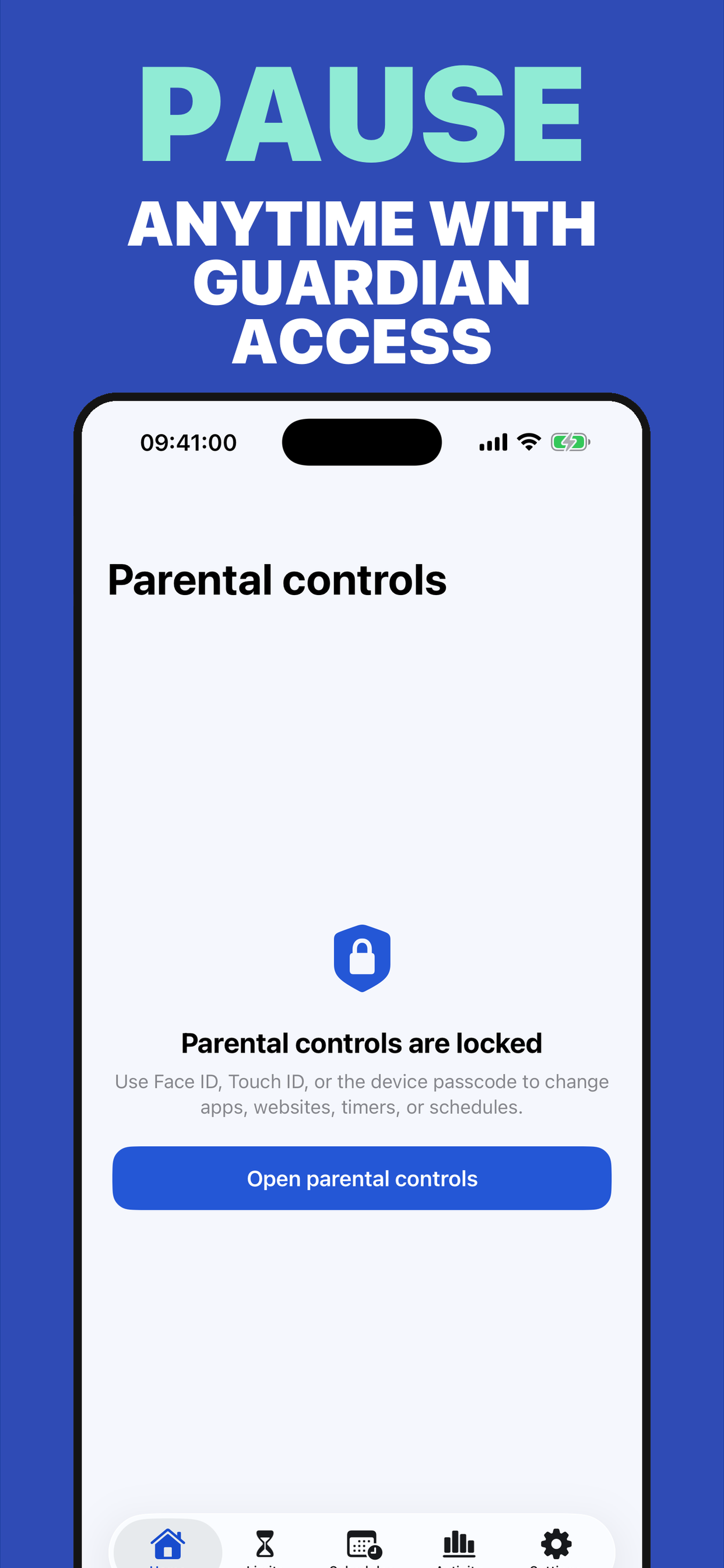
Protection is enforced on the device, even without a connection.
Clear, private, family-first digital limits.
Local, transparent parental control: shields, timers, routines, and aggregate activity without turning family life into surveillance.
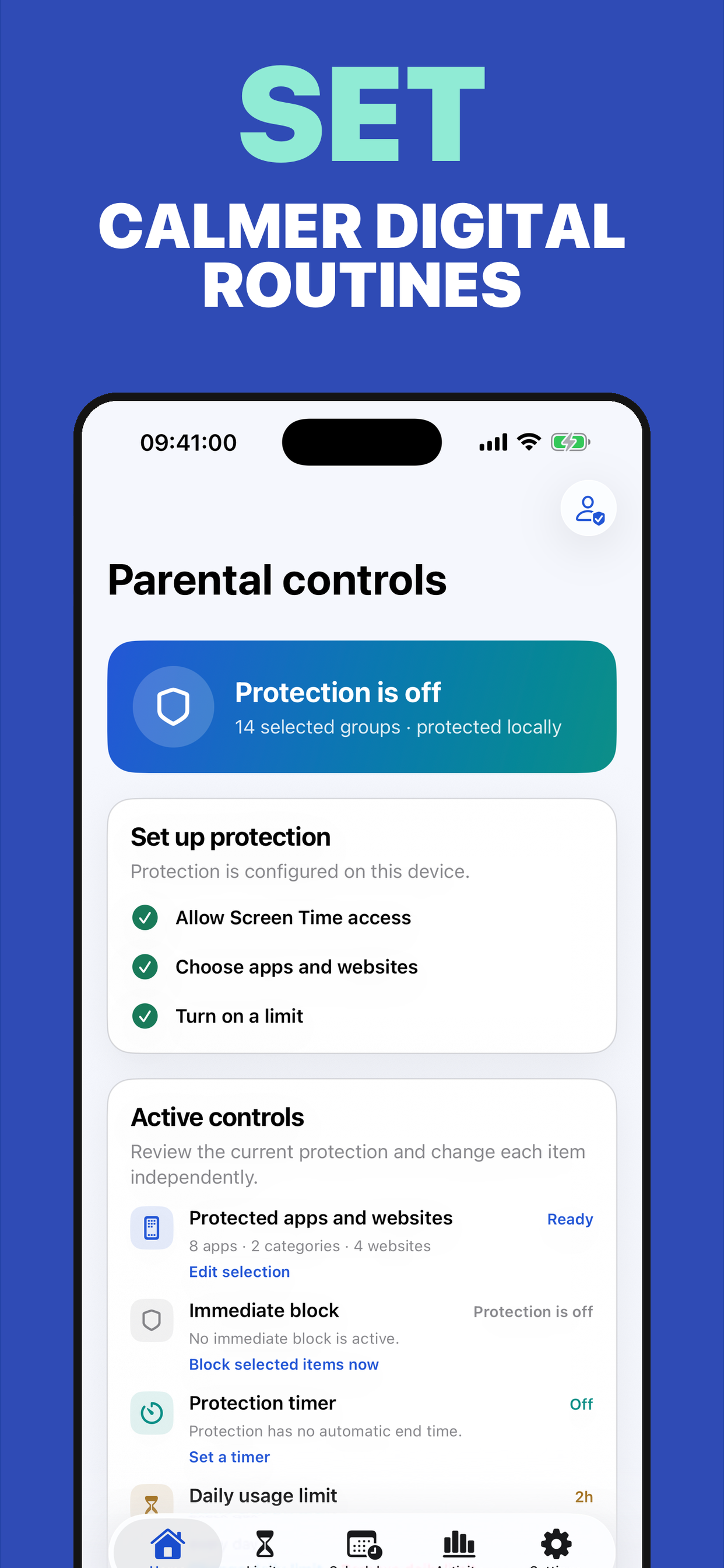
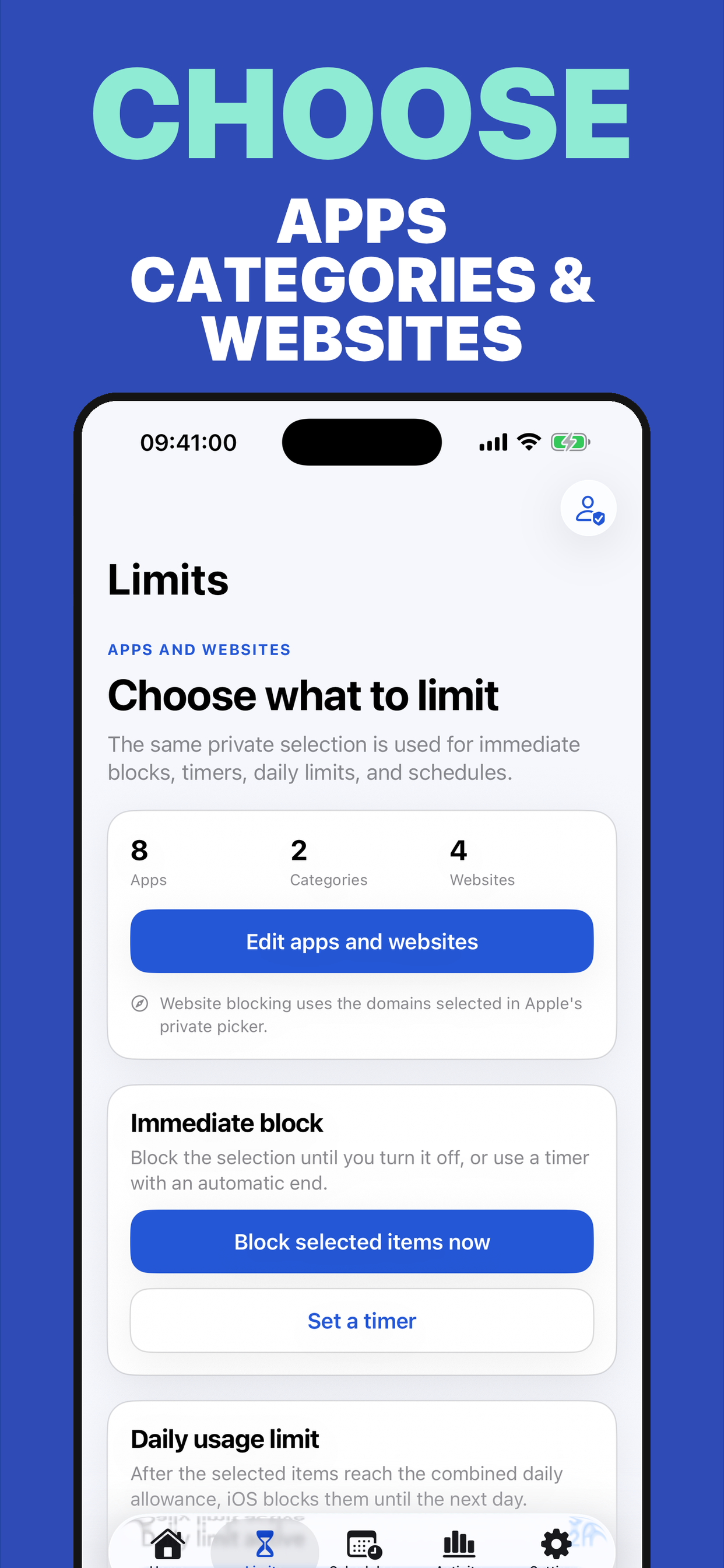
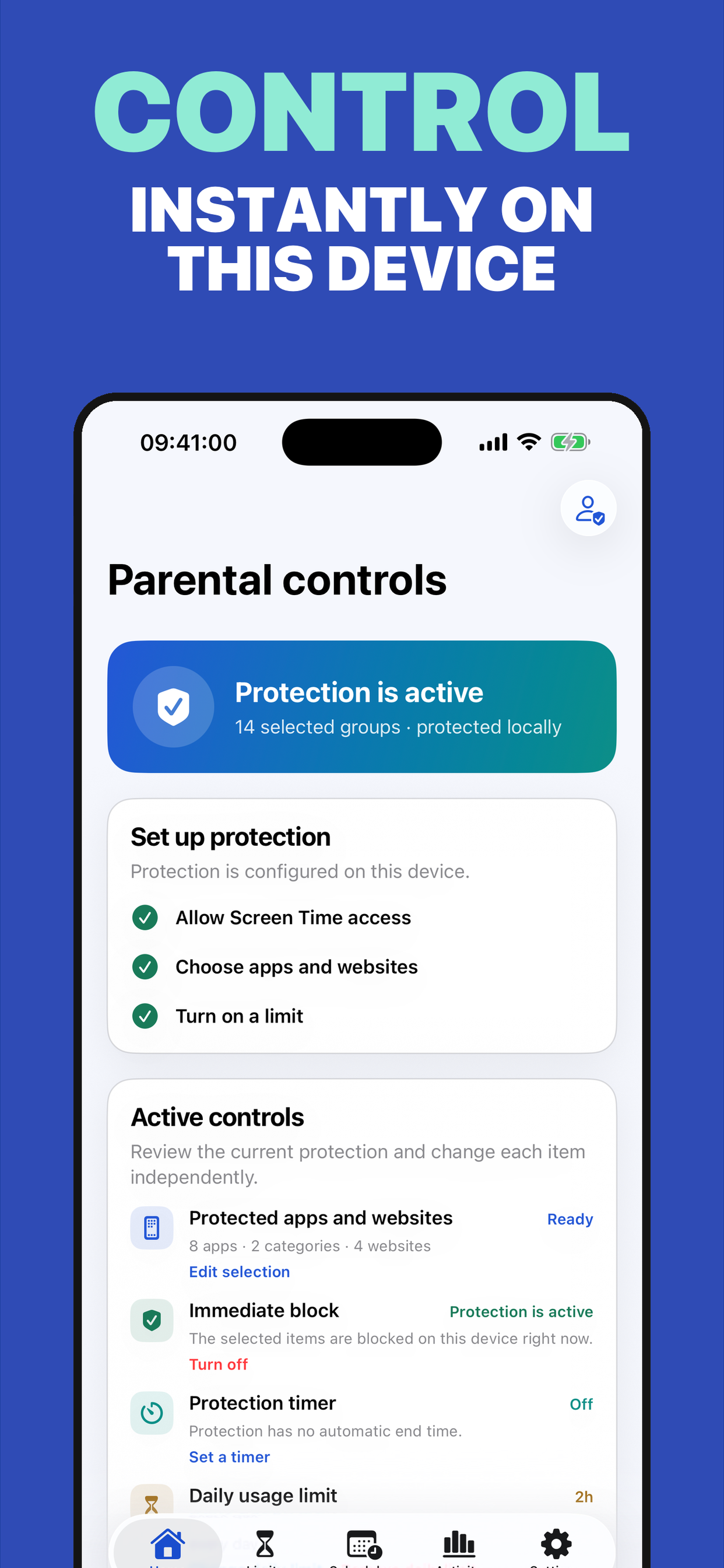
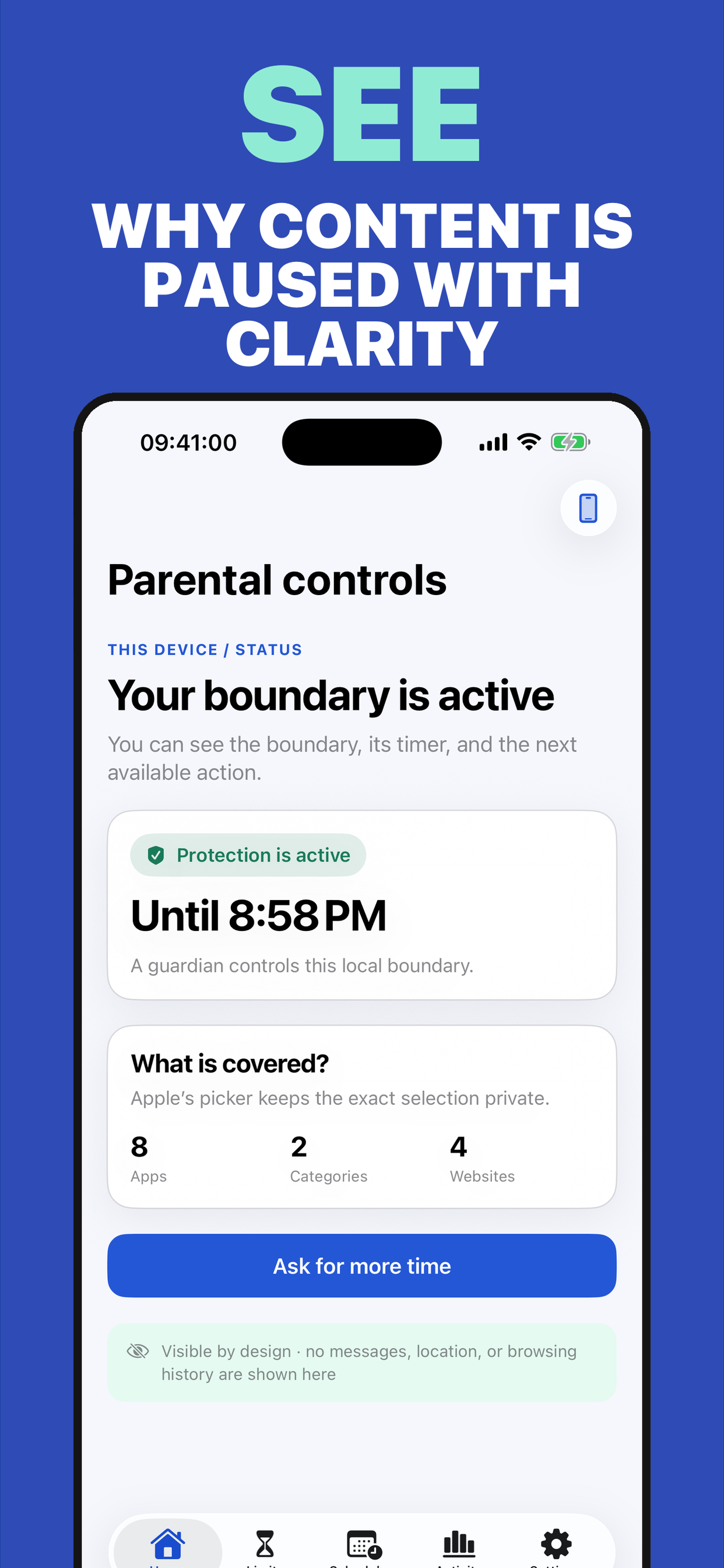
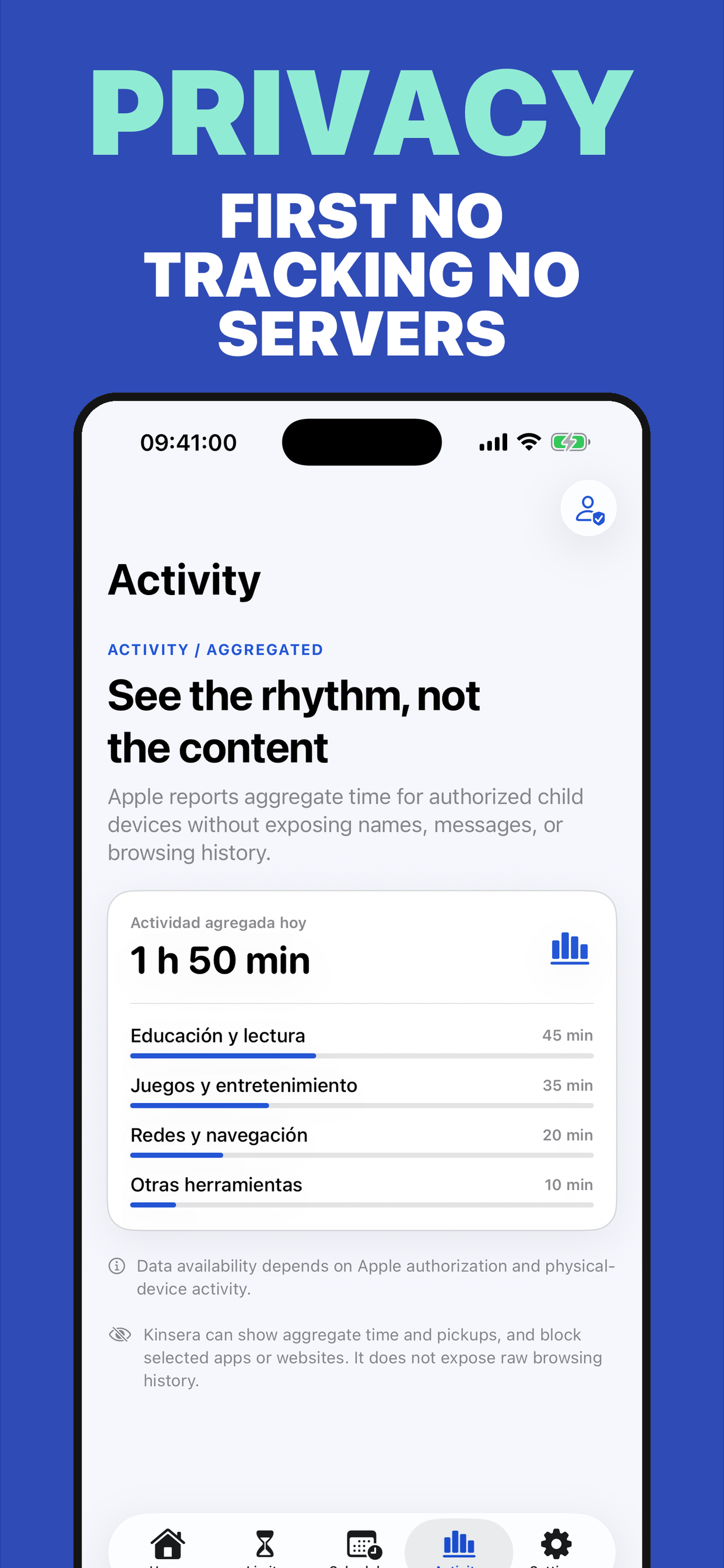
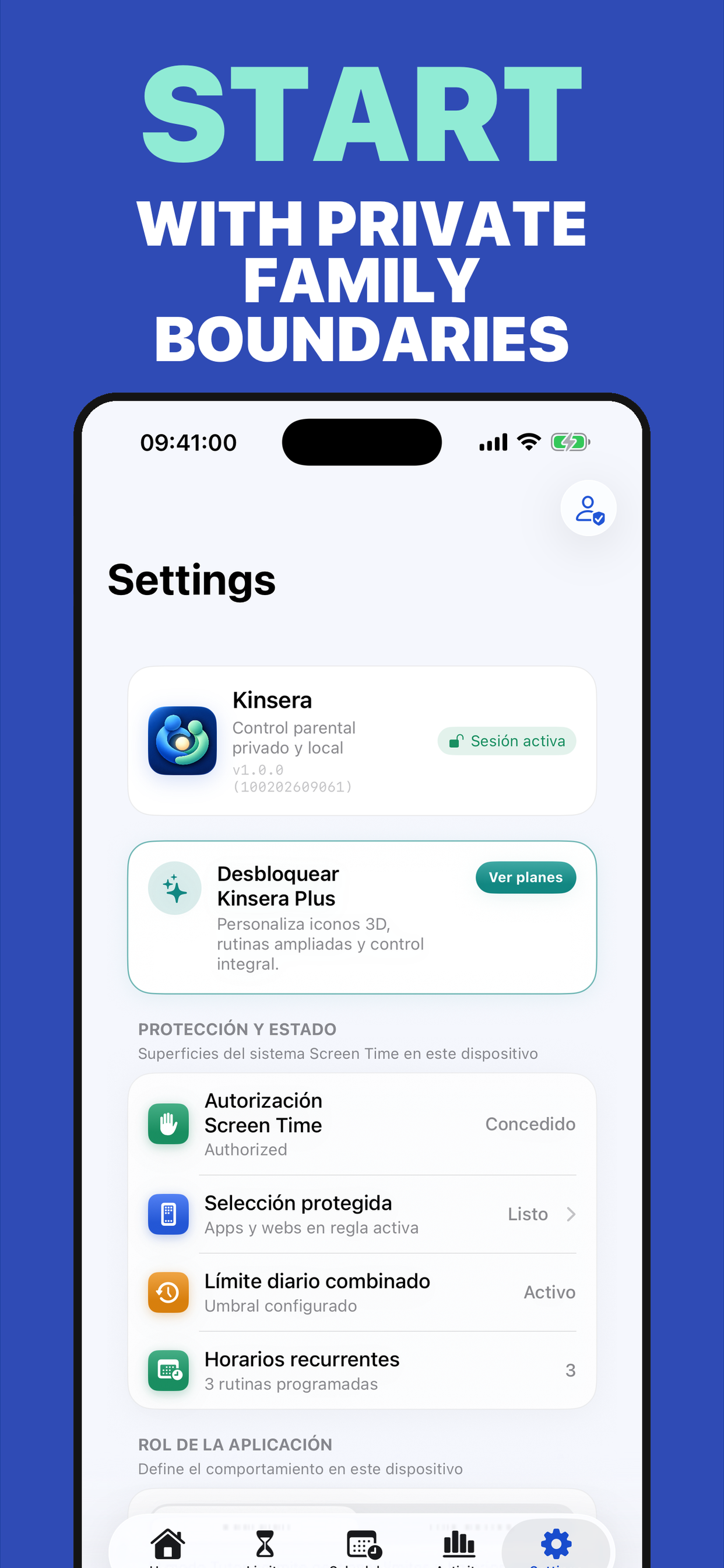
Icons, images, and video come from the product record and update with its catalog entry.
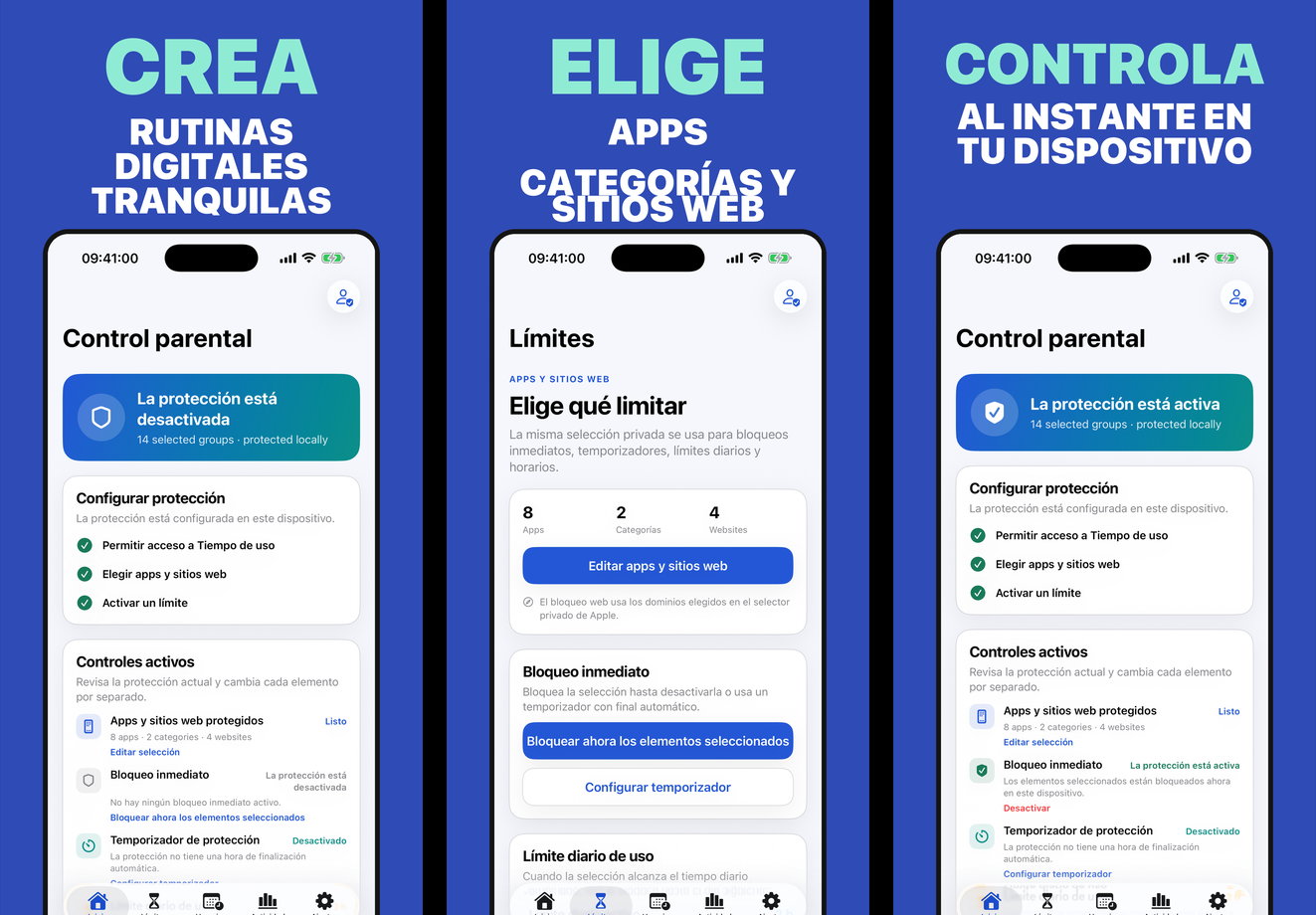
Protection is enforced on the device, even without a connection.
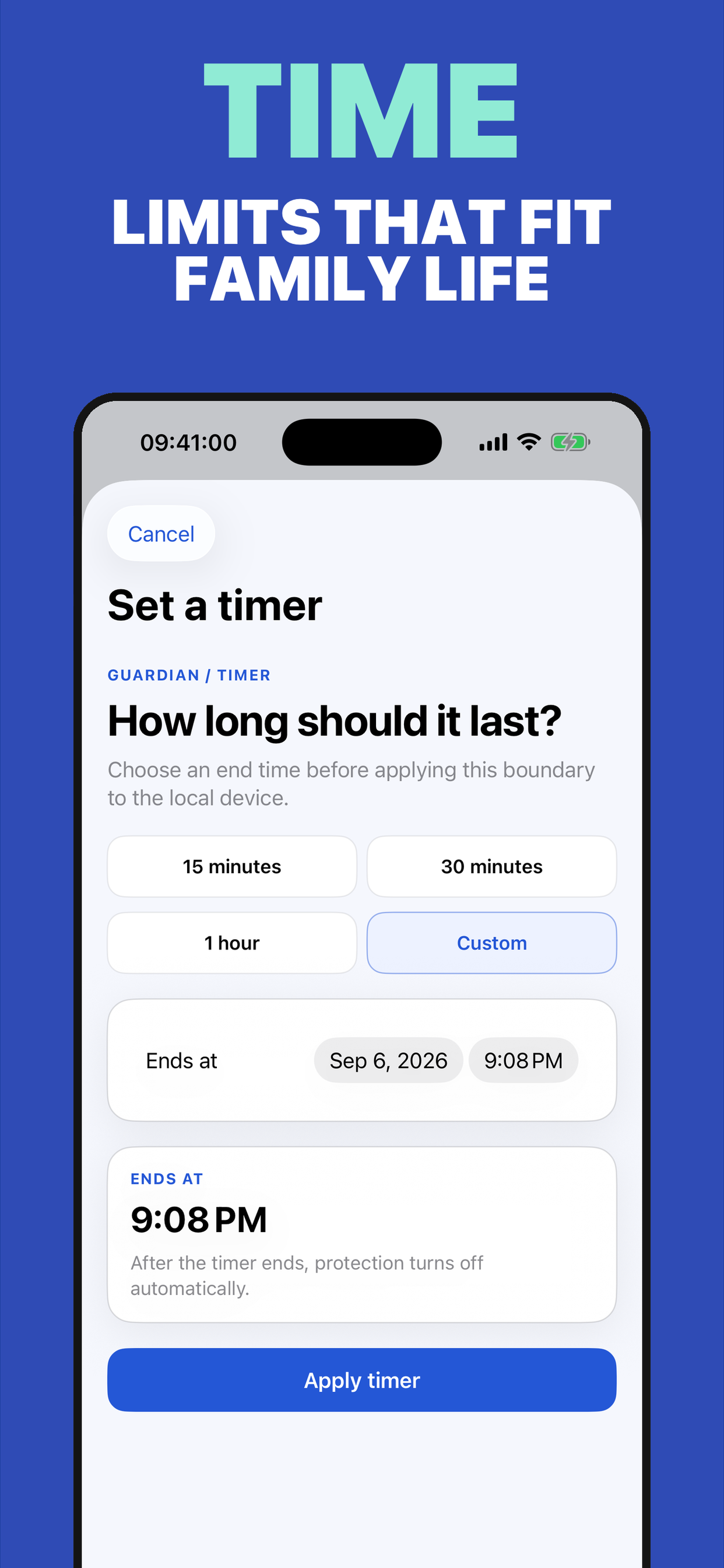
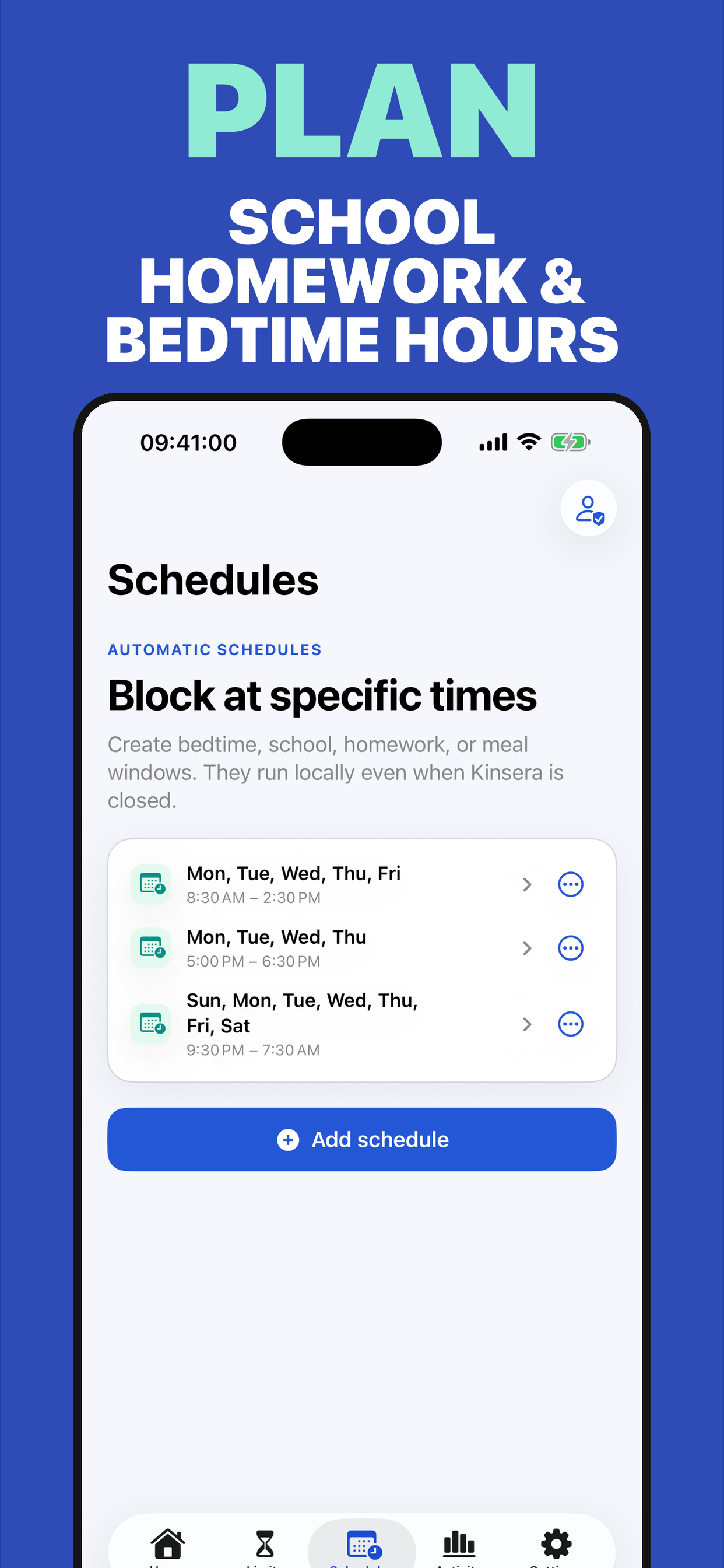
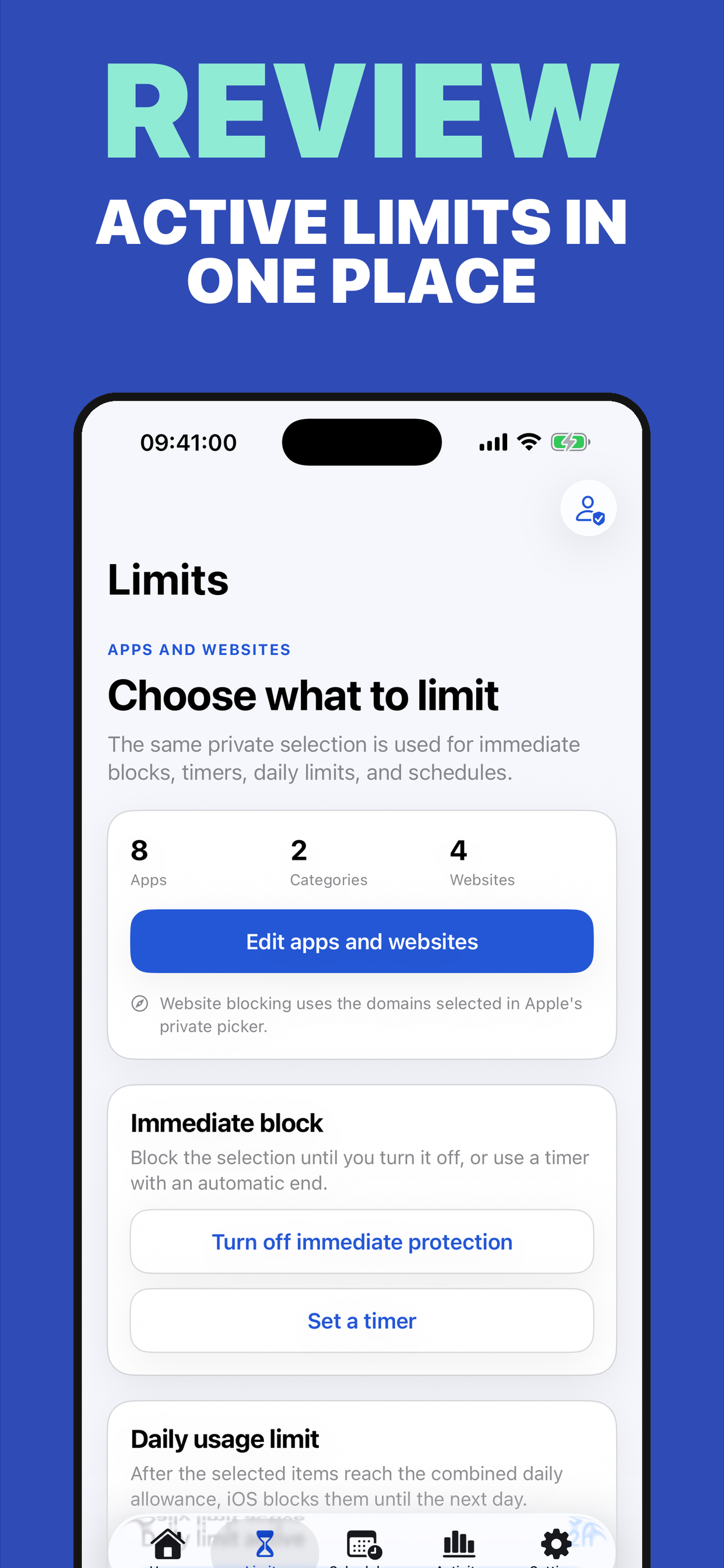
Select apps, categories, and websites, then combine schedules, timers, and pauses.
The protected device shows the active limit and available actions.
App allowlist and timer controlled by the guardian; connected availability depends on iCloud and release validation.
We do not send names, domains, messages, or usage history to analytics; location is optional and permission-based.
v1.1.2 · Gratis
iOS 26.0+ · 2 idiomas
View official page on AppleThe guardian chooses 1 to 50 apps and 5 to 180 minutes. At expiry, allowed apps are shielded and the guardian decides whether to end the session or grant more time. The session can also be sent to a linked client device.
A detailed, localised view of what you can do for free and what the Premium plan unlocks. Statuses are updated from the admin panel.
| Capability | Kinsera FreeFor getting started | Kinsera PlusFor going further |
|---|---|---|
| Local protection | Included Core protection and rules are managed on-device. | Included Expand rules and routines while keeping the same private, local approach. |
| App, category, and website picker | Included Choose which apps, categories, or websites belong to each family rule. | Included Combine selections into extended routines for different parts of the day. |
| Timers and pauses | Included Set understandable limits and pauses so the family knows what is happening. | Included Add time requests and more flexible routines for exceptions. |
| Extended routines | Limited Includes essential daily control to start building digital habits. | Included Extend routines by context, schedule, or family need. |
| Reports and requests | Not included The free plan shows transparent status without aggregate reports. | Included Adds aggregate reports and time requests for clearer family coordination. |
Purchases and renewals are securely managed by Apple. Final prices are always those shown by the App Store in your territory.
Apple shows the final price for your territory before confirmation.
Apple shows the final price for your territory.
Apple shows the final price for your territory before confirmation.
Apple shows the final price for your territory.
Be the first
Your rating helps more people discover Kinsera. Share your experience and leave a review and rating directly in the App Store.
Rate on the App StoreVersion history and progress
Novedades de Kinsera
Elige un tema y su icono asociado; ahora se mantiene coherente en la pantalla de inicio y dentro de la app.
El plan anual de Kinsera Plus muestra claramente la prueba gratuita de 7 días, el precio y las condiciones de renovación antes de comprar.
El paywall renovado facilita comparar planes, consultar funciones y desplazarse por toda la información.
Ajustes generales y mejoras de estabilidad.
Direct answers and doubt resolution about the application.
We are at your disposal to help you with any issue or suggestion about the app.
App SupportIt lets a guardian choose 1 to 50 individual apps and set a 5 to 180 minute session. At expiry, the device shields apps and waits for the guardian's decision.
The flow is in integration and validation. CloudKit schema deployment, a two-device physical test, and the App Privacy update remain. Check your installed version; this guide does not confirm that the public binary includes Child Mode.
In Kinsera parental controls, authorize Family Controls as a guardian, select 1 to 50 apps with Apple's picker, choose 5 to 180 minutes, and tap Start Child Mode.
Yes, once both devices are linked in Kinsera's family connection and have Apple's permissions. The guardian chooses the client device and sends the session. Kinsera reports it as applied only after the client confirms receipt and shield enforcement.
Not before redemption. It is a private single-use URL, but whoever receives it can claim it first. Send it directly to the intended device; if another account claims it, remove that participant in Apple's share controls and create a new invitation.
The device shields all apps and the child can request more time. Device Activity relies on iOS callbacks: a change is not guaranteed at the exact second and the event may arrive when the device is used again. Kinsera also reconciles expiry when opened.
No. Managed Settings applies the shields and they remain when the app closes. Ending or extending a session requires the guardian. iOS still controls delivery of timer events.
Deletion protection requires guardian-approved Family Controls authorization for a child account in Family Sharing. Individual authorization does not prevent app deletion. Control of the device passcode, Apple Account, or erase/restore process is outside Kinsera.
Not necessarily. Child Mode limits apps and domains through Screen Time; it cannot remove chat, links, an embedded browser, purchases, or share options inside an allowed app. Choose apps whose internal features are appropriate.
A local session is enforced on the device and does not need internet. Cross-device control needs iCloud/CloudKit and connectivity. If the client does not confirm a command, the guardian sees it as pending.
The app selection travels as an opaque payload in an encrypted CloudKit field inside that device's share. Requests include a random ID, duration, date, and state; receipts report the technical result. App names, domains, messages, and history are not sent to analytics. Location and battery belong to optional family features.
Child Mode accepts individual apps: 1 to 50. It does not support categories or domains as an allowlist.
When the session is locked, the child can send a request from the shield. The guardian approves or denies it; approval keeps the same app selection and adds time.
Not necessarily. Uninstalling Kinsera does not automatically remove CloudKit records. The development version includes a way to delete a device zone after the client confirms the session ended; it is pending physical validation and release. Until then, contact support for erasure requests.
The development version includes JSON export for one connection and two exit options: the guardian deletes the complete device zone only after an accepted client receipt ending the session; the participant can leave the share after Child Mode ends and guardian controls are unlocked. Leaving preserves the owner's copy; deleting the zone revokes access for everyone and removes its records. Deletion is blocked while extra accepted participants or pending invitations remain; remove them in Apple's share controls first. The export omits opaque selection tokens and participant identities, but may contain the latest synced location. This flow is pending physical validation and release. Until then, contact support for access or erasure requests.
Apple handles payment, renewals, and refunds. You can restore a purchase with the same Apple Account and cancel from Settings > your name > Subscriptions.